The best Meta AI alternative for privacy-conscious users is an offline desktop AI app rather than another cloud chatbot. GreenCube is a direct example: it runs entirely on your PC, uses a one-time license instead of a subscription, and lets you pick between two local models. The trade-off is straightforward: you gain full privacy and ownership, and you give up some of the raw power that massive cloud AI systems offer.
TL;DR:
- GreenCube is an offline desktop AI app that offers full privacy and ownership but sacrifices some of the power of cloud AI systems.
- It requires only a single installer and model download with minimal setup, making it suitable for individual users or small teams.
- The app costs a one-time fee of $9.99 or €9.99, includes two models, and runs entirely offline after installation, with a brief online step for license verification.
- Local models update less frequently than cloud systems but are improving gradually due to ongoing research on edge inference techniques.
- Support is mainly provided through publisher documentation and direct channels, often sufficing better for individual users than large community forums.
Table of Contents
- Types of offline AI alternatives and where GreenCube fits
- How to choose the right local AI for your computer and needs
- How local AI features compare to Meta AI's capabilities
- What kind of support and community exists around local AI apps
- Framework compatibility and integration for offline AI tools
- Will local AI models keep improving, and how often do they update
- Why we built GreenCube around offline use and one-time pricing
- Getting started with GreenCube
- Sources
- FAQ
Types of offline AI alternatives and where GreenCube fits
Once you decide you want an AI that runs on your own machine instead of a distant server, you will run into three broad categories. They differ mainly in how much setup effort they demand and how much control they give you in return.
- Ready-to-use desktop apps with a one-time license. These are built for people who want to install something, pick a model, and start typing. GreenCube sits here: it runs fully on your PC, asks for a one-time sign-in only to confirm your license, and keeps chats and documents local.
- DIY or self-hosted stacks. These involve downloading open model files yourself, often through container tools, and configuring the runtime by hand. They can be more flexible, but they demand comfort with command lines, dependency management, and troubleshooting.
- On-premises enterprise solutions. These are built for organizations that need to run AI across many employees or servers, with dedicated hardware and IT staff to maintain them.
The three categories differ sharply on the dimensions that actually matter for a buying decision: For UK small businesses, understanding the practical differences between AI agents and chatbots helps in choosing the right AI solution for their needs, as outlined by AI Management Agency.
- Best for: ready-to-use apps suit individuals and small teams; DIY stacks suit hobbyists and developers; enterprise setups suit organizations with IT support.
- Offline capability: all three can run fully offline once installed, but ready-to-use apps make offline the default, while DIY and enterprise setups require you to configure it that way.
- Hardware needs: Some apps' lighter models need around a couple of gigabytes of disk space, while image-capable models require several gigabytes of disk and RAM; DIY and enterprise stacks often require more, depending on the model chosen.
- Setup effort: a ready-to-use app is typically one installer and one model download; DIY stacks involve multiple steps; enterprise deployments involve planning and dedicated infrastructure.
Ready-to-use apps trade some flexibility for simplicity. DIY stacks give you more control over model choice and fine-tuning, at the cost of time and technical skill. Enterprise deployments solve a different problem entirely: coordinating AI access across many users rather than serving one person's laptop.
Pro Tip: If you just want private AI for personal writing, studying, or document review, a ready-to-use app almost always beats building your own stack from scratch.
How to choose the right local AI for your computer and needs
Before you download anything, work through a short checklist. It will save you from installing something that either does not fit your hardware or does not actually deliver the privacy you are looking for.
- Confirm the privacy claim. Check whether the app truly processes everything on your device, and understand why any sign-in step exists (in GreenCube's case, it is solely to verify your one-time license, not to send your chats anywhere).
- Match the model to your task. A quick, text-only model answers faster and needs less memory; an image-capable model can read PDFs and pictures but needs more RAM and patience, especially on older hardware.
- Weigh setup friction. A single installer with one model download is far less work than a multi-step hosting setup involving containers or manual configuration.
- Check the license and refund terms. A one-time price with a clear refund window is easier to evaluate than a vague subscription with rotating features.
- Watch for red flags. Be cautious of apps with unexplained background network activity, unclear refund policies, or no documented system requirements.
Some tools frame this choice with tiers such as Seed, Sprout, Bloom, and Thrive, which describe what different computers handle comfortably rather than paid plans to choose between. A slower laptop will still answer questions and build documents, just at a slower pace, and that honesty about hardware limits is worth looking for in any local AI product you consider.
Pro Tip: Check your available RAM before picking a model: 8GB is the practical minimum for image-capable local models, while lighter text-only models run comfortably on most modern laptops.
How local AI features compare to Meta AI's capabilities
Cloud AI systems like Meta AI run on large data-center infrastructure, which gives them more raw reasoning power and broader general knowledge than anything that fits on a laptop. Offline desktop apps cannot match that scale, and it would be misleading to claim otherwise.
What offline apps offer instead is a different value: your conversations, documents, and images never leave your device. Some offline apps have an All-rounder model that can read images and build study guides or documents locally, while Quick models handle plain text chat quickly without processing photos or scans. Neither claims to out-reason a frontier cloud model on complex, large-scale tasks.

The practical comparison is not "which is smarter" but "which fits the job." If you need private handling of sensitive documents, drafting help while offline, or a tool that works without an internet connection, a local app covers that job well. If you need the broadest possible general knowledge or the most advanced reasoning available, cloud AI still has the edge. Choosing between them comes down to what you value more for a given task: privacy and independence, or raw capability.
What kind of support and community exists around local AI apps
Cloud AI platforms typically offer large user communities, extensive documentation, and frequent public updates, simply because millions of people use the same hosted service. Offline desktop apps work differently: support tends to come directly from the publisher rather than a sprawling public forum.
Some apps' support models reflect this. Their publishers maintain blog content that walks through setup steps, model choices, and comparisons aimed at non-technical users rather than developers. That kind of direct, plain-language guidance matters more for local AI than a large community forum, since most questions are about installation, model selection, and hardware fit rather than shared prompts or plug-ins.
If you are evaluating any offline AI app, check whether the publisher documents system requirements clearly, explains what a sign-in step actually does, and offers a real channel for support questions. A smaller but responsive publisher ecosystem often serves individual users better than a massive but impersonal one, especially when the product's whole appeal is that it keeps your data out of anyone else's hands.
Framework compatibility and integration for offline AI tools
Local AI apps are typically built as self-contained programs rather than as pieces you plug into a larger development stack. Some local AI apps are built with frameworks like Tauri, Rust, and React for the app itself, and use llama.cpp for local model inference, a common and well-tested approach for running open models efficiently on ordinary hardware.
This matters less for integration with other software frameworks and more for what it means day to day: the app runs as a standalone program on your desktop, not as a service you wire into other tools. That is different from developer-facing AI frameworks meant for building custom applications, which assume comfort with APIs and code.
For most students and professionals, the relevant question is not framework compatibility in a technical sense but whether the app opens the file types you need (PDFs, images, plain documents) and whether it works entirely without an internet connection once installed. An app that handles that reliably solves the actual problem, even if it was never designed to slot into a broader software pipeline.
Will local AI models keep improving, and how often do they update
Local models update less frequently than cloud AI, mainly because each update requires a new download rather than a silent server-side swap. That is a real trade-off: you will not get instant access to the newest model the day it is released, but you also are not at the mercy of a provider changing behavior without notice.
Research into edge inference suggests real room for improvement in what a laptop can run well. Techniques like tensor-parallel inference and smarter memory scheduling can cut token latency and memory use dramatically, making larger, more capable models practical on modest hardware over time, as shown in research on serving large models efficiently on edge devices. Work on adaptive, verifiable privacy controls at the device level, described in research on bootstrapping privacy for local LLMs, points toward local apps becoming both more capable and more auditable, not just smaller versions of cloud models.
In practice, this means the gap between local and cloud AI is likely to narrow gradually rather than disappear overnight. Non-technical users benefit most when a publisher builds those engineering advances directly into the app, so you get the improvement without needing to manage it yourself.

Why we built GreenCube around offline use and one-time pricing
Some apps are built to prioritize privacy without subscription or servers to trust, running entirely on your own machine and offering a choice between a quick text model and a slower, image-capable one.
We are candid that cloud frontier models still handle large-scale reasoning better than anything running on a laptop. GreenCube trades some of that raw power for full ownership of your data and a one-time price with a 14-day refund window, which we think is a fair trade for most everyday work.
— Hector Gras
Getting started with GreenCube
GreenCube is a one-time purchase at €9.99 / US$9.99, with everything included and no subscription to manage. You choose between the Quick model for fast plain-text chat or the All-rounder model for reading images and building documents, and both run fully on your PC.
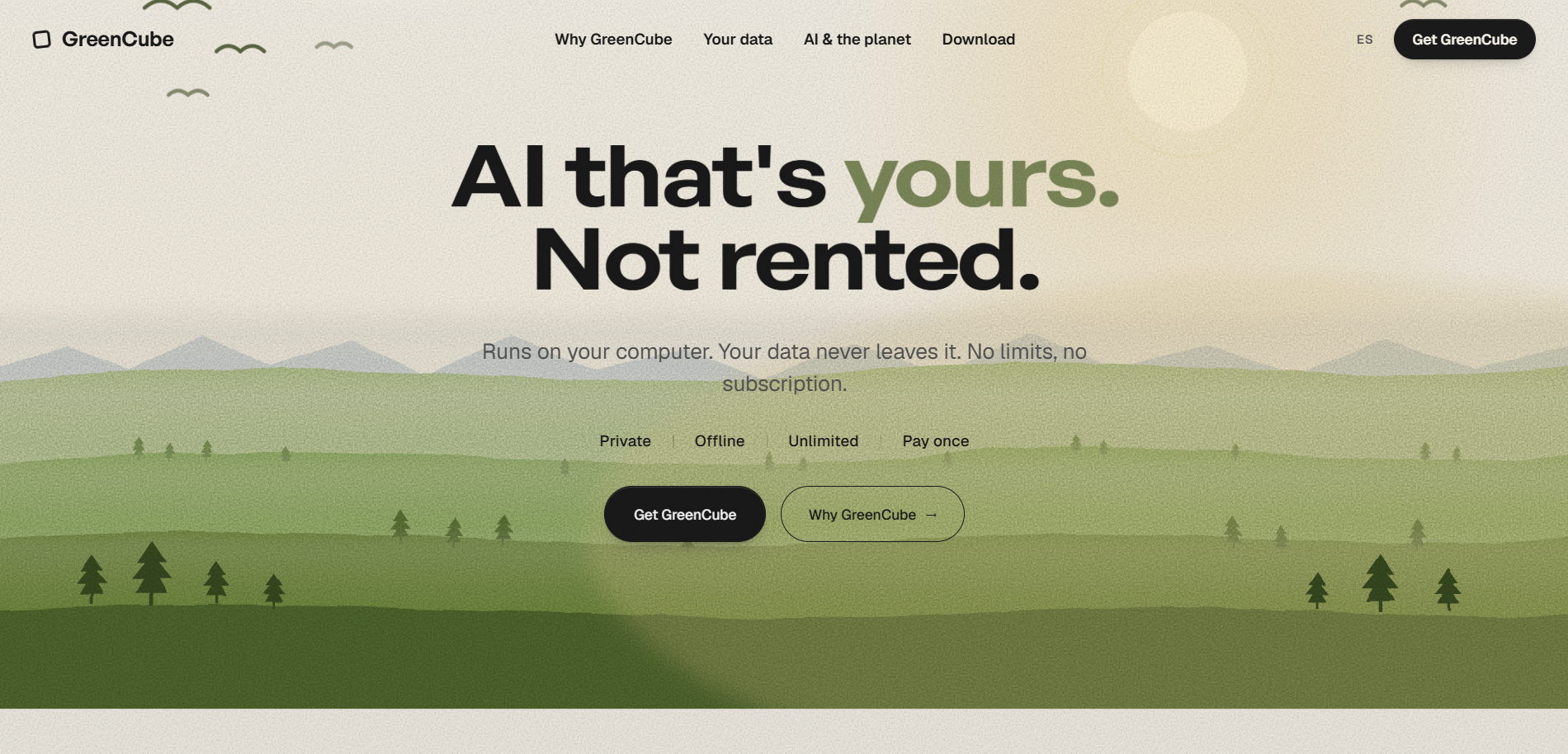
Signing in with Google or Microsoft only verifies your license. Your chats and files never leave your computer, and any online activity is limited to features you deliberately switch on. If you want to see it for yourself, visit the GreenCube lifetime license page to buy, or check the GreenCube product page for a full rundown of features before you decide.
Sources
For a deeper look at local AI privacy trade-offs, see the research on on-premises LLM deployment and model confidentiality. For setup context, GreenCube's own guide to how local AI works on a laptop covers model sizes and memory needs in plain language.
- TPI-LLM: Serving 70B-scale LLMs Efficiently on Low-resource Edge Devices
FAQ
Is GreenCube really a Meta AI alternative if it works offline?
Yes, in the sense that it solves the same job (private AI assistance for chat and documents) without relying on a cloud server. GreenCube runs fully on your Windows PC and never sends chats or files anywhere, which is a different privacy model than a cloud-based assistant.
How much does GreenCube cost and is there a refund?
GreenCube costs $9.99 (or €9.99), paid once with everything included and no subscription. It also comes with a 14-day refund window if it does not work out for you.
Does GreenCube require an internet connection to work?
No, GreenCube runs entirely offline once installed and the model is downloaded. An internet connection is only needed briefly at setup to download the model and to sign in with Google or Microsoft for one-time license verification.
Can GreenCube read images and PDFs?
Its All-rounder model can read images and help build study guides or documents, though it needs about 8GB of RAM and runs slower than the text-only option. The Quick model is plain text only and does not read images.
Will GreenCube work on my older laptop?
GreenCube is designed to run on ordinary Windows hardware, and slower computers will still answer and build documents, just at a slower pace. Choosing the lighter Quick model is usually the better fit if your machine has limited RAM.