Top 5 ChatGPT Alternatives for 2026

Finding a private AI desktop assistant that keeps files and prompts local is a challenge in a cloud-focused market. Most desktop AI tools either send data to the cloud for processing or require monthly subscription fees that add up over time. This comparison covers pricing, offline support, and data privacy across five private local AI desktop assistants so you can pick one that matches your privacy and budget needs.
Table of Contents
GreenCube
At a Glance
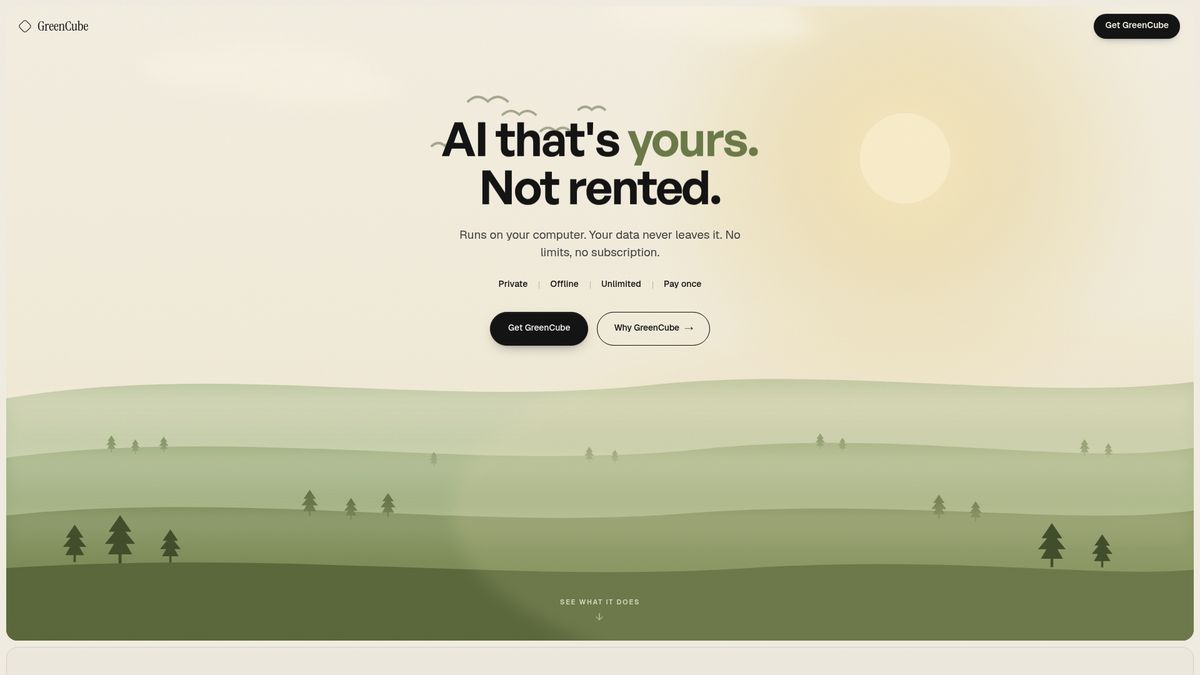
Runs fully offline on your computer and comes with a €9.99 one time payment. The app stores models and data locally so nothing leaves your laptop. That setup keeps AI available during internet outages and avoids recurring subscription costs.
Core Features
GreenCube runs on your computer and supports chat, document summarization, and image understanding while keeping files local. It reads PDFs and images for research and study workflows. The software operates without cloud reliance so all processing and storage remain on device.
Key Differentiator
Runs entirely on the user s own computer with zero dependence on cloud servers. That architecture gives you direct control over models, prompts, and stored documents. It also reduces the service footprint that comes from continuous cloud training and inference.
Pros
Owning the software with a single payment removes subscription friction and ongoing bills. Local processing means your documents and images never leave your laptop, which strengthens privacy and reduces exposure from third party services. The app continues to function offline, so you can work on planes or in remote locations. Avoiding cloud inference also supports lower ongoing energy use compared with always on cloud alternatives.
Cons
- Limited by local execution so you may miss some cloud based features or automatic model updates.
Who It's For
Students and independent learners who want private note and PDF analysis without uploading files. Freelance writers, creatives, and designers who need local document and image assistance for sensitive work. Privacy focused professionals and environmental advocates who prefer a one time purchase and offline operation.
Unique Value Proposition
A single payment gives you a private, offline AI that you own outright. That removes monthly fees and lets you keep client or research material behind your own disk. For users who value control and predictable costs, this model replaces subscription management with a single capital expense.
Real World Use Case
A freelance writer installs GreenCube on a laptop to analyze source PDFs and extract quotes for articles. All client documents stay on the machine while the writer uses chat to draft and refine sections. The setup avoids cloud upload and keeps billing simple with no recurring fees.
Pricing
The app sells for €9.99 one time payment. There are no subscription tiers and no ongoing access fees after purchase. You pay once and run the software locally on compatible hardware.
Website: https://greencube.app
Sanctum
At a Glance
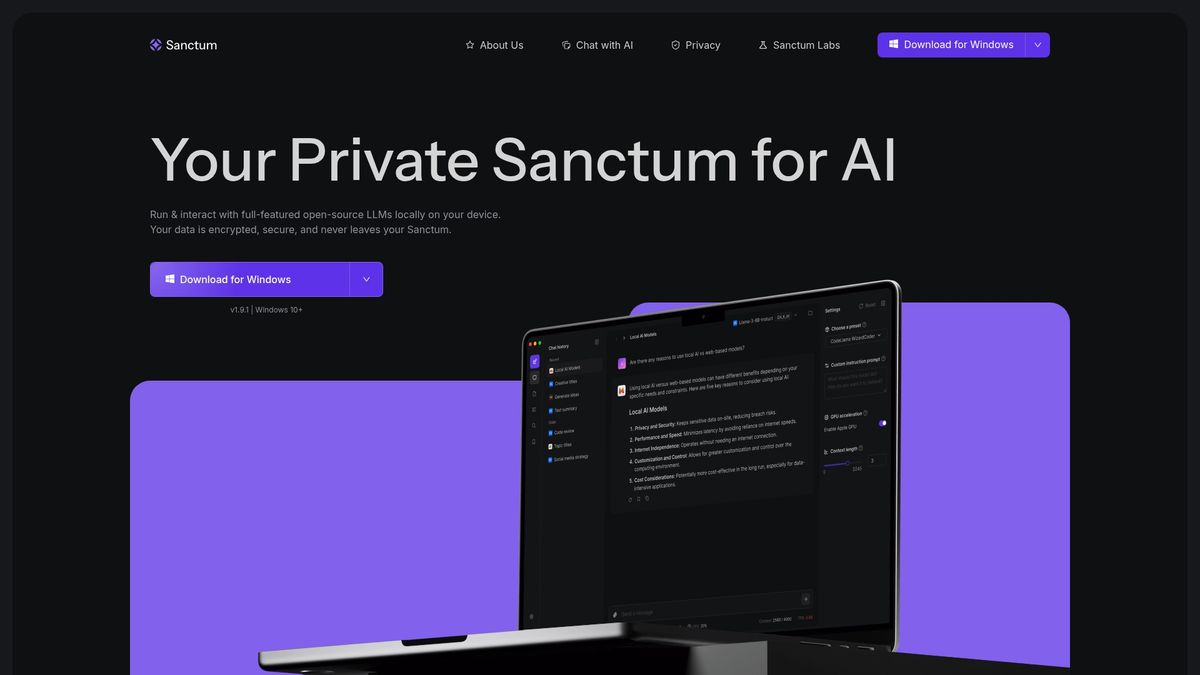
All model processing and document handling remain on the device and use AES 256 encryption. Sanctum runs open source large language models locally on Windows and Mac, with Linux support coming soon. The app targets private analysis of PDFs, DOCX files, code, and chats without sending data to cloud services.
Core Features
Sanctum runs open source LLMs fully offline and manages models and inference on the local machine. The app stores documents and conversations on disk with local encryption and offers an AI matching engine that integrates with Hugging Face models. Users can privately chat with and summarize PDFs, DOCX, and other documents while keeping models and data on their device.
Key Differentiator
Sanctum focuses on running full featured open source LLMs locally so no model inference or document text leaves the device. The product pairs local model selection with on device encryption to keep processing private. That design reduces exposure risk for sensitive documents and code.
Pros
Privacy and security are the central strengths. Sanctum pairs local model execution with on disk encryption and local document storage to limit data exposure. The Hugging Face models integration expands available GGUF models while keeping inference offline and under your control.
Cons
- No independent user reviews are publicly available, which makes it harder to judge real world reliability.
- Linux support is not yet released, so Linux users must wait for a compatible build.
- Mobile versions are not available yet, so phone or tablet workflows are unsupported.
When It May Not Fit
If your workflow requires immediate Linux compatibility, Sanctum may not fit right now. If you need phone or tablet access, mobile versions are not available yet. If you insist on plentiful independent user reviews before adoption, public feedback is limited.
Notable Integrations
The vendor advertises access to thousands of GGUF models through Hugging Face models via an AI matching engine. That connection is focused on model discovery and local download rather than cloud inference. Integration helps you select models to run entirely on your machine.
Who It's For
Individuals and organizations that prioritize local control of data and private document analysis will find Sanctum relevant. Freelance writers, consultants, and privacy conscious professionals who handle confidential PDFs or code benefit most. Teams that need cross platform mobile access may not match the current release.
Real World Use Case
A consultant installs Sanctum on a Mac to summarize confidential client PDFs without uploading files to cloud services. They choose a local GGUF model via the matching engine and run queries offline. The consultant keeps output and source files encrypted on the same device.
Pricing
Pricing is not applicable. The product listing is informational only and does not include public pricing tiers. Contact Sanctum for licensing and purchase details.
Website: https://sanctum.ai
Elephas
At a Glance
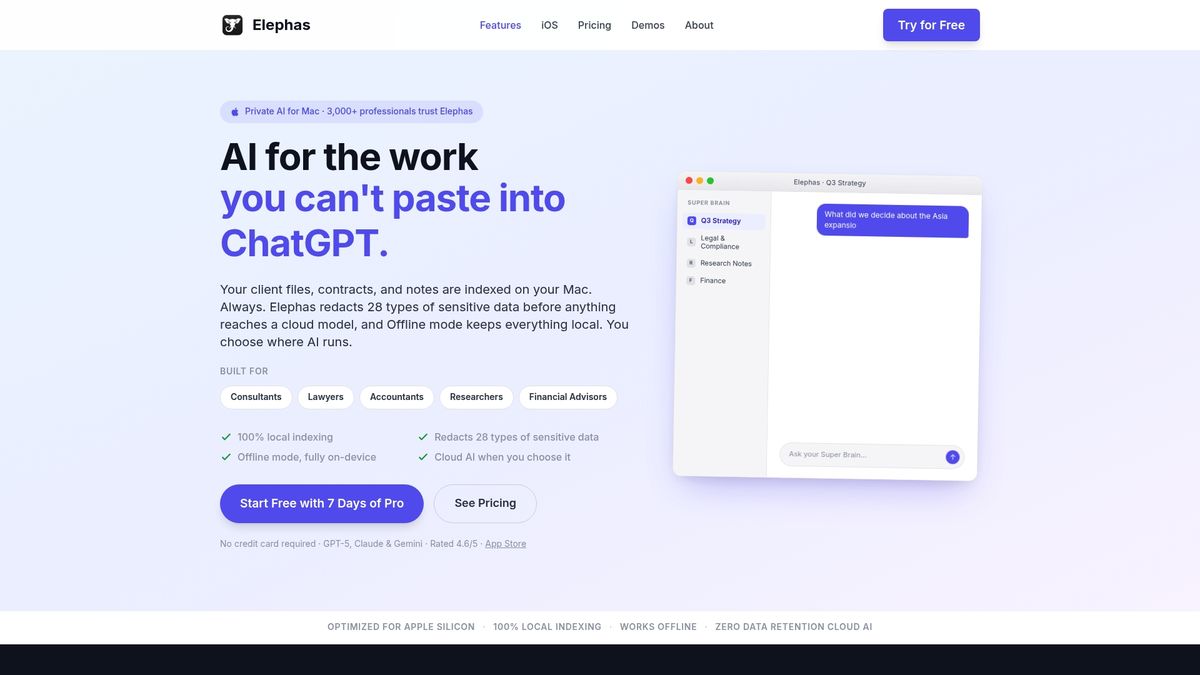
Automatic redaction of 28 types of sensitive data runs before any cloud step. Local-first indexing builds searchable project repositories on your laptop, and you can run fully offline AI for maximum control. That design targets workflows where leaking client data is not an option.
Core Features
Elephas indexes documents locally and lets you create project-specific Brains for separate clients or cases. It performs automatic redaction before cloud use, supports PDFs, Word, Excel, Notes, Notion, Zoom transcripts, and Markdown, and includes Super Command for quick summarizing, rewriting, translating, and drafting across Mac apps. You can choose a fully on device mode or enable cloud AI with zero data retention when that option is active.
Key Differentiator
The standout is Local-first indexing combined with built-in redaction and an optional fully on device AI mode. That mix lets teams keep raw files on the laptop while still using generative features when desired.
Pros
Elephas reports being trusted by over 3,000 professionals for privacy focused AI work. Its redaction controls and offline option reduce exposure risk for confidential documents. The product adapts to legal, accounting, research, and coaching workflows by supporting many file formats and by letting you run separate Brains for distinct projects. Users also praise support and reliability, which matters when handling sensitive client data.
Cons
-
Accuracy can vary and may require manual verification for critical tasks.
-
The user interface and initial setup have a learning curve for newcomers.
-
Mobile access and functionality lag behind desktop features, limiting on the go work.
When It May Not Fit
Elephas assumes you are comfortable with local setup and privacy controls. If you need the absolute highest general model accuracy without manual checks, this may not match top cloud models. Teams that require heavy in app editing or collaborative editing workflows may face extra setup and adjustments.
Who It's For
Knowledge professionals who handle confidential documents and want private AI on their laptop. Legal teams, accounting groups, academic researchers, and independent coaches who need local indexing, redaction, and offline processing will find the fit strongest. It suits people who prefer a one time paid workflow over monthly exposure risk.
Real World Use Case
A law firm indexes client contracts into separate Brains, runs redaction to scrub personal identifiers, and generates confidential legal summaries on device. The process keeps raw files local and lets attorneys verify outputs before adding anything to client records.
Pricing
Plans start at $19/month for Standard, $39/month for Professional, and $49/month for Pro+. The vendor advertises discounts for annual billing.
Website: https://elephas.app
Rana Engine
At a Glance
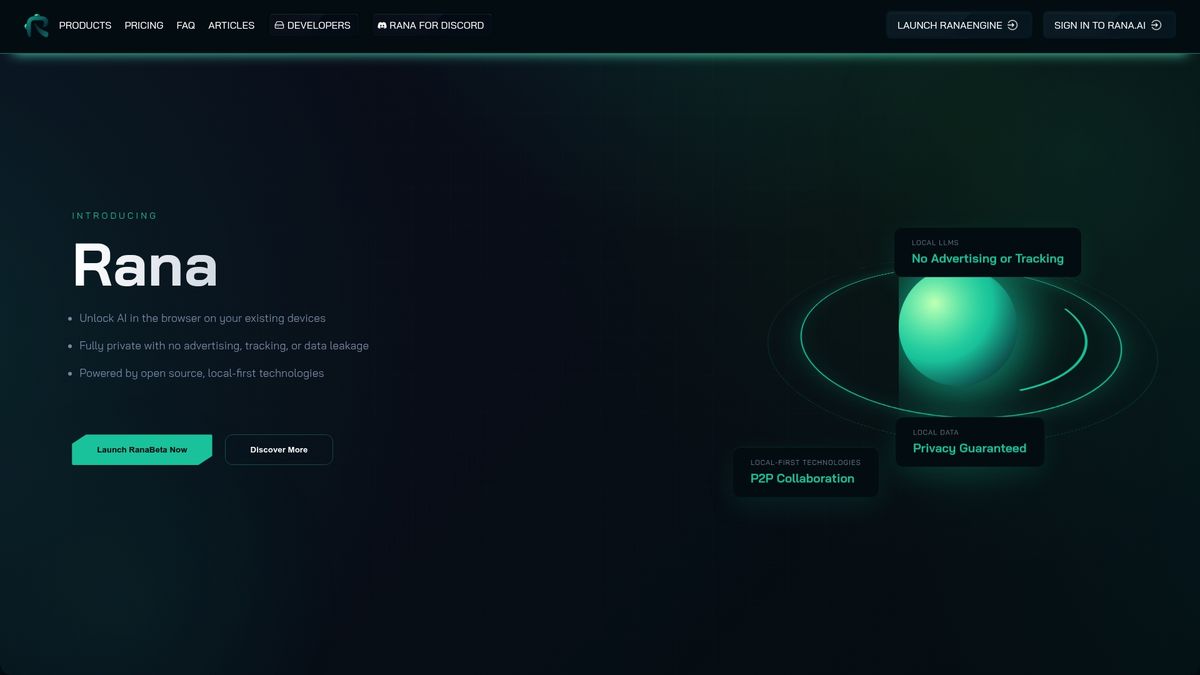
Runs entirely inside modern web browsers so you can run private AI without installing native software. The app stores data locally on your device and supports peer to peer sharing and a Rana4Discord bridge for social distribution. Rana Engine targets users who want browser based, privacy first AI tooling that avoids cloud lock in.
Core Features
Rana Engine works in the browser and saves your files and notes on your own device. It ships built in models you can access through local and optional cloud APIs and can generate images as well as text. The system includes tools for building personal knowledge graphs, curating multimedia, and extending behavior with open source plugins.
Key Differentiator
The single standout is the browser native, local first architecture that runs your AI workloads on your hardware and browser runtime. That design removes mandatory cloud routing and reduces vendor lock in while still letting developers add modules and connect to open source models.
Pros
Strong privacy comes from storing data locally so you keep control of your notes and models. Running inside the browser removes a complex installer step and works on most modern laptops. The platform offers developer focused extensions and a plugin system that help you customize workflows or add model support. Built in peer to peer features let small teams share work privately without central servers, and the product avoids advertising or tracking.
Cons
- Limited cloud workflow options can frustrate teams that rely on managed cloud services. The product favors local operation.
- Advanced features require technical setup, which raises the entry barrier for non technical people. Expect command line or configuration work.
- Some capabilities are gated behind paid tiers or extra configuration, so a full feature set may not be free.
- Community resources and documentation are still growing, which can slow troubleshooting.
When It May Not Fit
If your work depends on managed cloud compute or single click enterprise integrations, this product will slow you down. Teams that need turnkey, cloud based scaling should pick a cloud focused solution. If you prefer point and click simplicity and avoid any configuration, the technical setup here may feel like extra overhead.
Who It's For
Tech savvy individuals, open source AI hobbyists, and privacy conscious developers who want local control of models and data. Content creators and small teams who can handle some configuration will benefit from private collaboration features.
Real World Use Case
A solo researcher runs experiments from a browser tab, saves intermediate datasets locally, and tests open source models without sending data to a vendor. They share notebook results with a trusted group using P2P links and post summaries to a private Rana4Discord channel.
Pricing
Rana Engine offers tiered plans: Free and Private, Free and Social, Pro at $10+ per month, and Max at $20+ per month. The free tiers provide local operation while paid tiers add advanced features and services.
Website: https://rana.ai
Jan
At a Glance
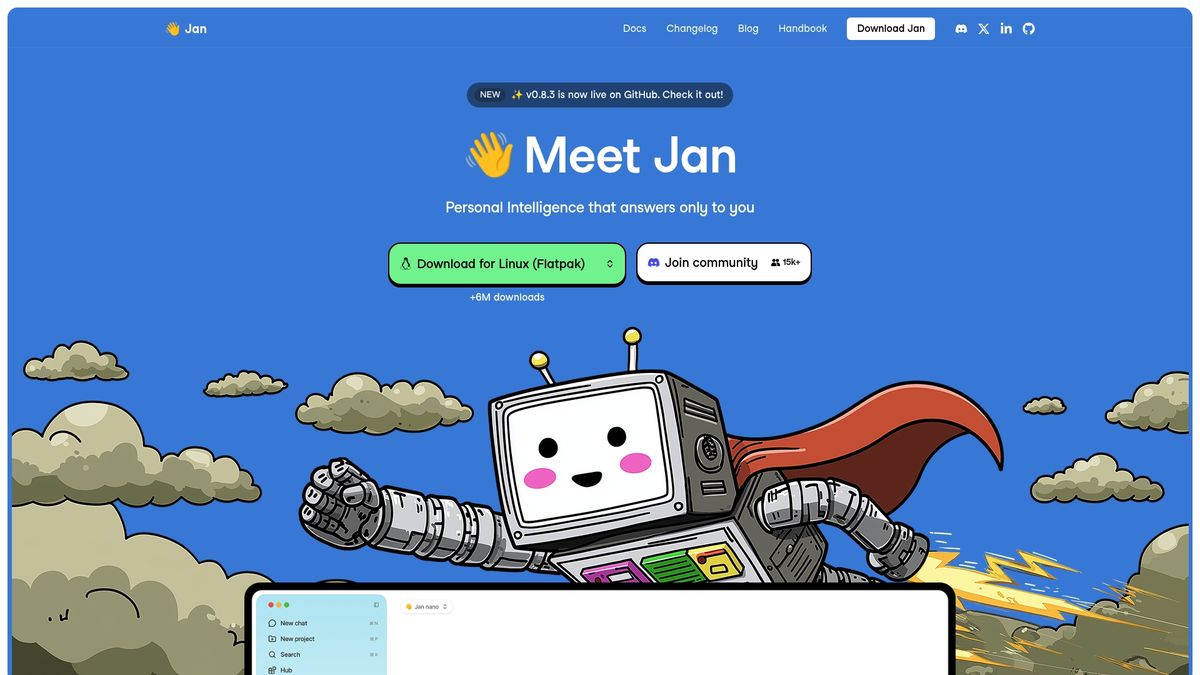
Jan's marketing materials state it includes a built-in OpenAI compatible local API server powered by llama.cpp, so it can run offline as a drop-in replacement for cloud APIs. The project runs offline on the user device and ships as open source. That combination targets private, local AI development without routing data through cloud services.
Core Features
Jan provides a built in local API server that speaks the OpenAI style protocol while running with llama.cpp models. It supports multiple open models and lets you plug in preferred online models when you need them. The agent keeps context aware conversations, plans for a memory feature, and offers model customization and community driven extensions.
Key Differentiator
Jan's defining angle is a fully offline, open source API server meant to act as a drop in replacement for cloud AI endpoints. That makes it practical for developers who want private, local inference without changing existing API calls. The design emphasizes explainability and local control rather than managed cloud convenience.
Pros
Jan runs entirely offline on the user's device, which keeps prompts and data local and private. Setup does not require complex model wiring, so nontechnical users can get a working local API server without deep LLM configuration. The project is open source and built in public, which lets contributors add models, plugins, and fixes in GitHub and Hugging Face workflows.
Cons
- Third party reviews report no major weaknesses so far, which may reflect early coverage rather than exhaustive testing.
- Public information offers limited detail on advanced customization or features expected in enterprise level deployments.
- The desktop focused design implies constraints on scalability and enterprise integrations when compared with commercial cloud solutions.
When It May Not Fit
Teams that need managed cloud scaling or centralized administration will find Jan limited for large deployments. Organizations requiring formal enterprise support, service level agreements, or broad third party integrations should look elsewhere. If you need a turnkey, hosted LLM service, Jan's local first model is not the right fit.
Who It's For
Jan suits tech-savvy individuals, developers, and enthusiasts who want private, offline AI on their own hardware. It also appeals to people who prefer open source software and want to modify models or add community plugins. Use Jan when you need local control and can manage updates and model selection yourself.
Real World Use Case
A researcher installs Jan on a Windows laptop to run local inference against downloaded models for literature review and notes. The researcher queries PDFs and drafts reports without sending text to cloud APIs. Jan provides a local OpenAI style endpoint so existing tools can call it with minimal change.
Website: https://jan.ai
Comparison of alternatives
When selecting among local AI alternatives, users balance privacy, cost, and functionality. Each solution provides distinct features catering to varied needs, such as encryption, customization, or affordability.
Privacy and Security Features
For users prioritizing data security, Sanctum offers strong advantages with AES 256 encryption combined with local model execution. This design ensures that sensitive documents remain private and secure on your device. By contrast, GreenCube provides privacy by running files locally but lacks Sanctum's encryption mechanisms.
Affordability and Business Model
GreenCube is unique in its pricing: a one-time payment of €9.99 ensures lifetime access without ongoing costs. Alternatively, Elephas and Rana Engine employ subscription models, with tiered plans starting at $19/month and $10/month respectively. These plans might suit users requiring ongoing updates and cloud integrations but may not appeal to those seeking cost predictability.
Best fit
- Private study and research workflows benefit from GreenCube's offline operation with its low upfront cost.
- Organizations handling encrypted files should choose Sanctum for its advanced encryption standards and flexible offline model integrations.
- Developers requiring custom workflows might prefer Rana Engine, with its browser-based local-first system and plugin support.
- Open-source enthusiasts will find Jan appealing due to its adaptable model extensions and offline LLM server.
Our pick
GreenCube serves those prioritizing privacy and affordability with its offline and subscription-free model. Users who require minimal effort for setup and enjoy predictable costs will find this app convenient. However, users needing encrypted storage or requiring mobile compatibility may need to explore alternative solutions like Sanctum or Elephas.
When choosing a local AI assistant, it's crucial to balance features, privacy, and cost effectiveness.
| Product | Key Features | Best For | Pricing | Limitation |
|---|---|---|---|---|
| GreenCube | Offline AI, local storage, chat, document/image analysis | Students and privacy-focused professionals | €9.99 one-time payment | Limited cloud-based automatic updates |
| Sanctum | Offline LLMs, local encryption, document and code analysis | Privacy-conscious professionals | Price not published | Limited platform and mobile accessibility |
| Elephas | Local indexing, redaction, document and project management | Legal, academic, and consulting professionals | From $19/month | Higher learning curve for initial setup |
| Rana Engine | Browser-native, local-first AI, peer-to-peer sharing | Tech-savvy individuals, privacy advocates | From $10/month | Requires technical setup for advanced features |
| Jan | Local open-source API server, offline operation | Developers and AI enthusiasts | Price not published | Limited advanced customization for enterprises |
Why Subscription-Free Local AI Matters for ChatGPT Alternatives
Many ChatGPT alternatives struggle with subscription fees, cloud dependence, and privacy risks. Students and independent learners often hesitate to upload sensitive PDFs and notes online. Freelance creatives and privacy-conscious professionals want AI support that respects their data without ongoing costs. GreenCube meets these needs by running fully offline on your laptop with a simple one-time payment. It handles PDFs and images privately and never sends your files to the cloud.
GreenCube offers:
- No subscriptions, no recurring fees
- Automatic offline document and image processing
- Maximum data privacy by keeping everything local
Stop worrying about monthly bills or losing access when offline. Visit GreenCube to try a private, easy AI app that fits your needs. Import your PDFs and images for instant insights without sacrificing privacy.
FAQ
What features does GreenCube offer for private workflows?
GreenCube allows you to run AI tools entirely offline, providing a private AI desktop assistant for document analysis. It supports chat, document summarization, and image understanding without relying on cloud services, keeping your files secure and local.
How does GreenCube compare with Sanctum in terms of privacy?
Sanctum focuses on local execution and uses AES 256 encryption, making it a strong contender for privacy-conscious users. GreenCube also operates without cloud reliance but excels for users needing a straightforward one-time payment structure and offline functionality without ongoing costs.
Can I analyze PDFs and images with GreenCube?
Yes, GreenCube efficiently reads PDFs and images for research and study tasks, keeping all data processing local on your device. This ensures that your documents never leave your laptop, enhancing privacy and control over your materials.
What is the pricing structure for GreenCube?
GreenCube is available for a one-time payment of €9.99, eliminating any subscription fees or recurring costs. This setup makes it a budget-friendly option compared to many subscription-based services in the market.
Who would benefit most from using GreenCube?
Students, freelance writers, and privacy-focused professionals will find GreenCube particularly valuable, especially those who prefer a one-time purchase and local document assistance. This audience can take advantage of offline capabilities while ensuring their information remains private.
Recommended
- Does ChatGPT train on your data? (2026) — the honest answer
- GreenCube — AI that's yours, not rented
- Why GreenCube — you're not the customer, you're the training data
- Get GreenCube — €9.99, yours forever
Your own AI, on your own PC
GreenCube runs on your computer: no usage limits, no subscription, works without internet. €9.99, paid once.
Get GreenCube