Top 4 Claude Alternatives for 2026
Running AI assistants locally without risking privacy or needing a subscription remains difficult with most options. Many AI tools send documents to the cloud, lock features behind a monthly fee, or do not support true offline use. This comparison lines up price, privacy, and offline capability so you can pick a local desktop AI assistant that matches your control and budget needs.
Table of Contents
GreenCube
At a Glance
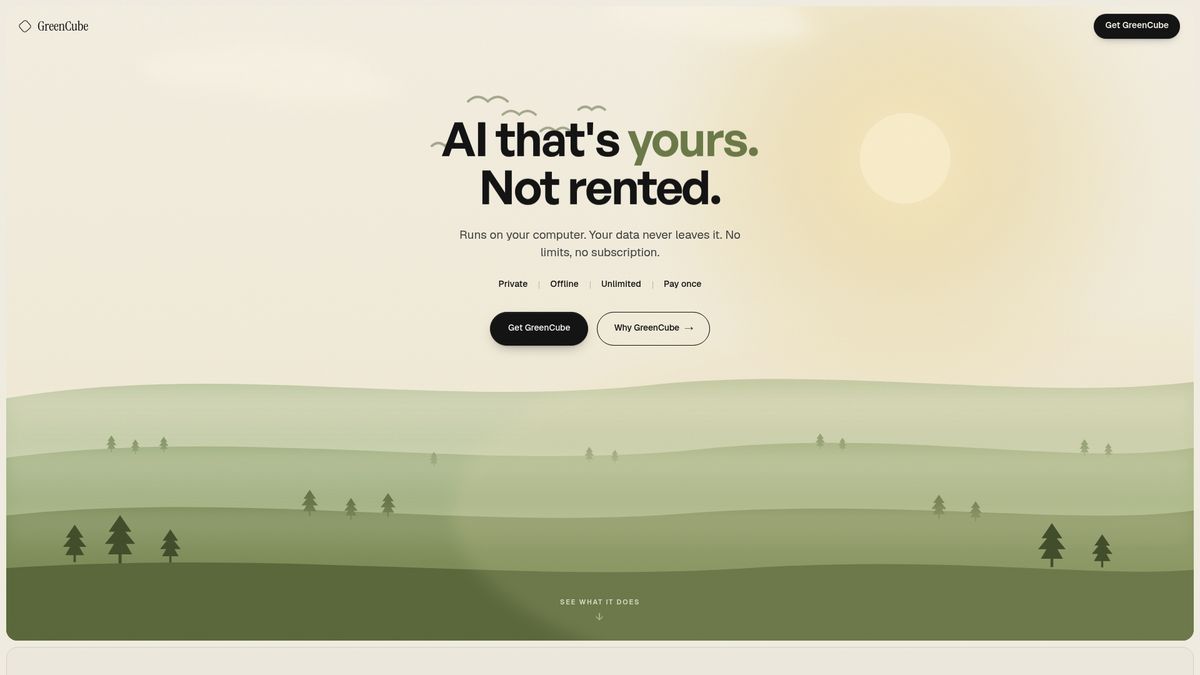
Runs entirely on your computer and operates fully offline after setup. It reads and summarizes PDFs and explains images without sending data to servers. You pay a single €9.99 one time payment and keep the software on your laptop.
Core Features
GreenCube runs locally on Windows and macOS, with Linux support planned. It handles conversational chat and writing assistance inside a desktop app. The app reads and summarizes PDFs, extracts passages, and explains images and screenshots. All processing happens on your hardware and no cloud connection is required after setup.
Key Differentiator
Complete local operation keeps data on your device so files never leave your machine. That removes the need to upload sensitive documents to cloud services or to maintain a subscription. Local only processing reduces exposure from third party servers and central account breaches. This model fits users who must keep custody of documents and want predictable costs.
Pros
Data stays on your device, which lowers exposure from account breaches or server leaks. A single payment replaces monthly fees, lowering long term cost for students and freelancers. Offline operation lets you work on confidential research or in restricted networks without network access. Default privacy settings and transparent data handling let you confirm what the app stores locally. You own the software after purchase so you do not depend on cloud licensing.
Cons
- Requires installation and setup on your device.
Who It's For
Students and independent learners who handle PDFs and research will value offline summarization and private note help. Freelance creatives and writers will like local drafting and image explanation without cloud exposure. Privacy conscious professionals and small tutors who avoid subscriptions will find this a practical personal AI.
Unique Value Proposition
A single €9.99 one time payment buys a local AI you run on your laptop. You avoid ongoing subscription charges and predictable monthly budgeting becomes unnecessary for personal use. Because the app processes files locally, you can work with sensitive PDFs without creating cloud copies. For people who prioritize ownership and private offline workflows, that changes how research and drafting work.
Real World Use Case
A researcher opens confidential reports in GreenCube and asks for concise summaries without uploading files. The app highlights key passages, extracts citations, and produces a short brief for meetings. All outputs remain on the laptop so draft notes never leave the device during analysis. The researcher exports final summaries to a local folder and continues work offline.
Pricing
GreenCube sells for a single €9.99 one time payment. That price covers the desktop app without recurring subscription charges. Platform availability lists Windows and macOS now, with Linux support planned.
Website: https://greencube.app
Kind by Synsira
At a Glance
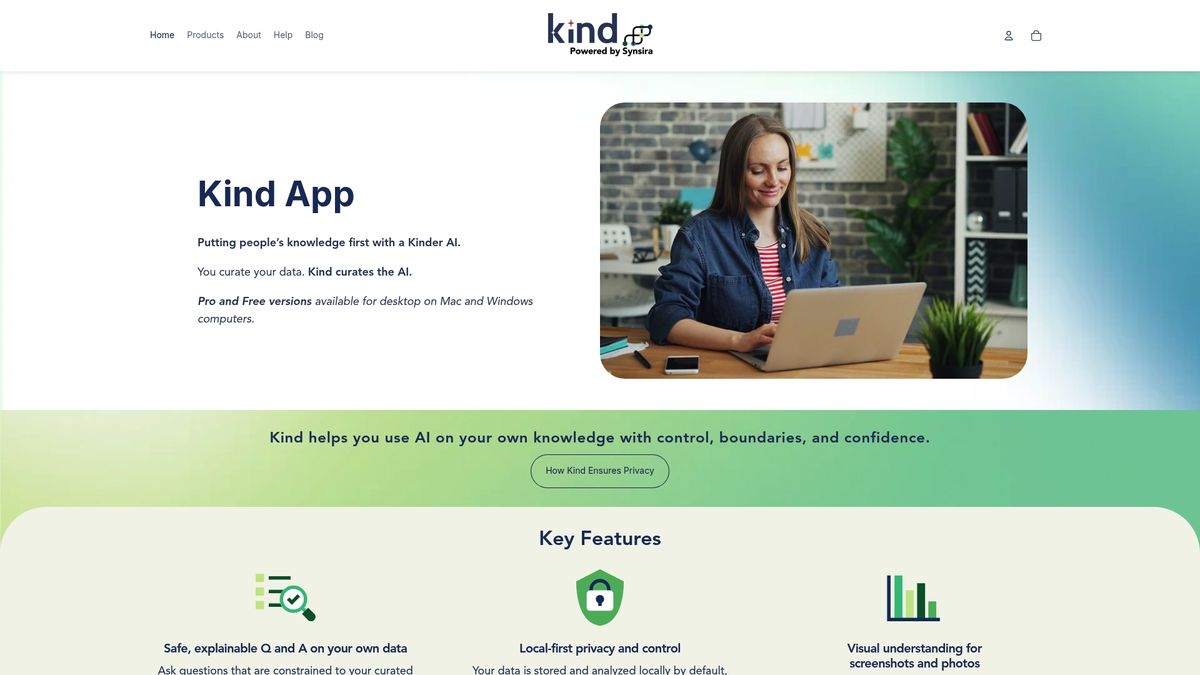
Pro plan costs USD $18.88/month, and a free tier is available for basic use. The app focuses on private, local storage and can answer questions only over curated documents. The quick takeaway is that you get explainable Q and A plus image understanding while keeping data under your control.
Core Features
Kind centers on on-device knowledge management with question and answer that stays constrained to the material you add. It includes explainable Q and A so you can trace why an answer was produced, and it analyzes screenshots and photos for visual context. These capabilities combine to help you search, annotate, and interact with documents and images without relying on cloud uploads.
Key Differentiator
The standout element is local first privacy with explicit boundaries around what the AI may access and answer from. That privacy model pairs with explainable responses and visual understanding to make private Q and A practical for individuals and small teams. If you need a tool that keeps curated collections local, this product prioritizes that control.
Pros
Kind gives tangible control over your records by keeping processing local and limiting answers to curated content. The app supports image analysis so photos and screenshots join PDFs as searchable sources, which helps when your notes mix formats. Pricing includes a useful free tier and a low-cost pro plan at USD $18.88/month, making it affordable for hobbyists, family historians, and small teams.
Cons
- Limited third party reviews are available, which makes independent validation scarce.
- The product may restrict workflows that depend on live web retrieval or external APIs.
- Integration details with other tools are sparse, so syncing with enterprise systems could be difficult.
When It May Not Fit
This product may not suit teams that require constant internet data enrichment or single sign on across enterprise systems. It also does not appear aimed at large scale deployments that need broad third party integrations. Choose something else if you need cloud first workflows or deep ecosystem connectors.
Who It's For
Individuals, content creators, and small teams who prioritize privacy and want AI help with their own documents will find this useful. Hobbyists and family historians who collect photos and notes will benefit from local storage and image parsing. Use it when you want searchable, explainable answers without handing data to a cloud service.
Real World Use Case
A family historian imports scanned certificates, diary photos, and typed notes into Kind and tags collections by branch and decade. When preparing a written family narrative, they query the collection for timelines and citations and get answers tied to the original files. That workflow keeps the archive private while speeding research and fact checking.
Pricing
The product offers a free tier for basic collections and a Pro plan at USD $18.88/month for larger collections and advanced features. The free option lets you test local workflows before you commit to the paid plan.
Website: https://synsira.com
Elephas
At a Glance
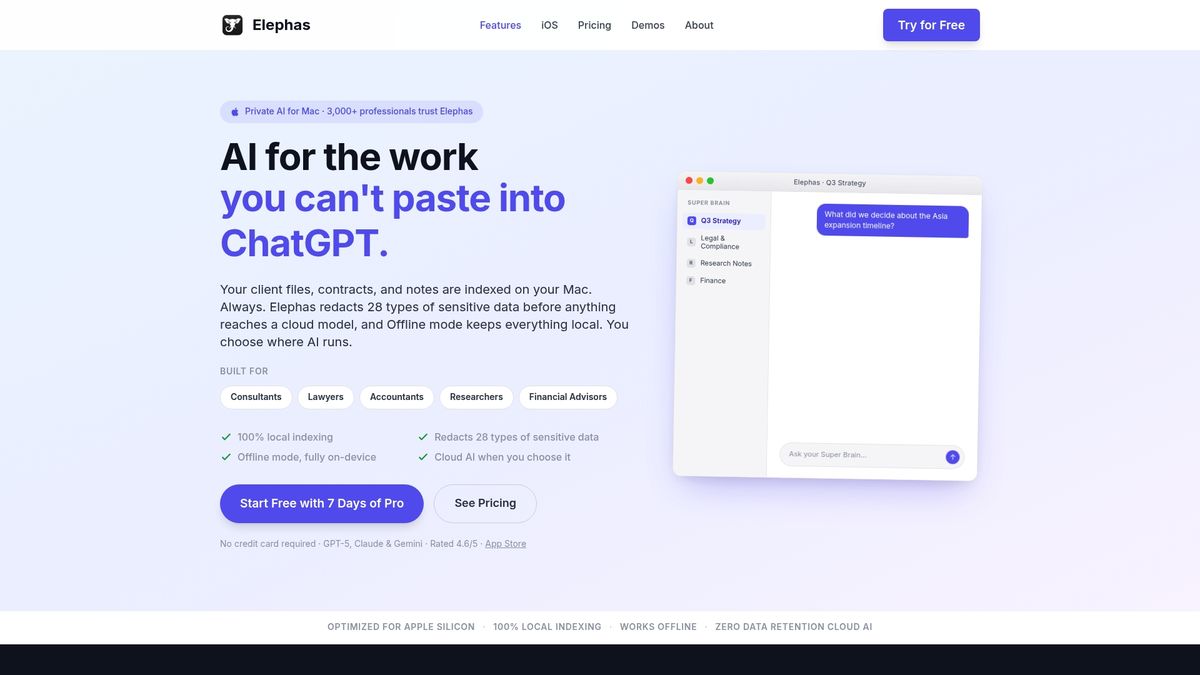
Automatic redaction of 28 types of sensitive data runs locally on Mac. Elephas also indexes documents on device and offers offline AI inference. The app supports multiple AI engines and optional zero retention cloud operation.
Core Features
Elephas performs local indexing of documents on Mac and builds a persistent knowledge base called Super Brain. It applies automatic redaction to 28 sensitive data types, supports PDF, Word, Notes, Notion, Markdown, and Zoom transcripts, and connects into Mail, Safari, Slack, and other Mac apps. You can run AI on device, use zero retention cloud, or supply your own API keys for external models.
Key Differentiator
Elephas mixes local first indexing with on device redaction and flexible AI operation modes to keep sensitive material off remote servers. That design preserves privacy while still letting you call cloud models when you need broader model capability.
Pros
Deep macOS and iOS integration lets Elephas surface AI tools inside Mail, Safari, and Notes for faster document work. Its offline mode, local indexing, and redaction features protect client and research data while keeping many workflows fully local. You can switch to zero retention cloud or use your own API keys when heavier models are required.
Cons
- Performance may slow with very complex tasks or extremely large data sets.
- The app has a steep learning curve to master all features and workflows.
- Some users report high memory use that sometimes causes app crashes.
- AI response quality can vary and at times is less accurate than direct API usage.
When It May Not Fit
If you must process massive archives or run large batch jobs, performance may decline on a single Mac. Users who install from the Mac App Store lose some features due to sandboxing, including Super Command. Organizations that need a cross platform server solution should consider server focused tools instead of this Mac focused app.
Notable Integrations
- Safari
- Slack
- Notes
- Notion
- Zoom
Who It's For
Professionals in legal, accounting, research, and coaching who work on Mac get the most benefit. You will value local redaction, a persistent knowledge base, and offline AI for confidential work. It fits individuals and small teams who want a single purchase model and local data control.
Real World Use Case
A lawyer loads deposition transcripts, applies redaction presets, and creates summarized evidence notes. They extract source paragraphs and tag items inside Super Brain for later citation. When needed, the lawyer runs a cloud model with zero retention to cross check findings.
Pricing
Paid plans start at $19/month, with Pro and Pro Plus tiers adding advanced redaction, offline workflows, and higher AI usage limits.
Website: https://elephas.app
Peekaboolabs

At a Glance
Runs entirely on local PCs, keeping all processing and documents on the user machine rather than external servers. The architecture supports document summarization, search, and analysis without an internet connection. Peekaboolabs emphasizes Korean business context with models tuned for local language and terminology.
Core Features
Peekaboolabs delivers on-device AI processing that performs real-time inference without sending data to remote servers. The system ensures data stays within the user's PC, which reduces dependency on cloud infrastructure and ongoing API costs. It includes specialized Korean-language models aimed at handling local legal, financial, and manufacturing terminology.
Key Differentiator
The product runs completely on local personal computers, so sensitive enterprise documents never leave the device. That offline-first design both reduces operational cloud costs and provides low-latency responses for document queries. The focus on Korean business language and local context sets it apart for Korea-based enterprises.
Pros
Local processing gives clear data sovereignty benefits for teams handling confidential records. Keeping workloads on each machine removes per-request API expenses and server hosting fees. Real-time responses arrive without network delays, which helps when staff work inside intranets or restricted environments. The Korean model tuning improves accuracy for local legal and financial phrasing compared with generic multilingual models.
Cons
- Limited third party user feedback makes long term reliability and satisfaction hard to verify.
- Potential scalability constraints exist for very large enterprise deployments that require centralized processing across many sites.
- Strong Korean language focus may reduce usefulness for non-Korean teams or multilingual data sets.
When It May Not Fit
Organizations that need a centrally managed cloud AI service across thousands of users may find the local PC approach limiting. Teams requiring broad multilingual support will need a different solution. If you depend on vendor proof points from independent reviews, the limited third party validation here could be a concern.
Who It's For
Enterprises and public agencies in Korea that must keep sensitive documents on premise will get the most value. Legal teams, government units, manufacturers, and financial institutions with strict data control needs will benefit from the offline processing model. Small teams that prefer a pay once local deployment also fit this profile.
Real World Use Case
A legal firm runs the software on partner laptops to index and search thousands of internal briefs and case law. Attorneys retrieve summaries and case references instantly without uploading files to external servers. The setup preserves client confidentiality while speeding internal research.
Pricing
The vendor lists pricing as not applicable and classifies the entry as informational only. Public pricing tiers or per seat figures are not presented on the product page.
Website: https://peekaboolabs.ai
Comparison of alternatives
Among the available alternatives, each product showcases unique strengths benefiting specific workflows and user preferences. GreenCube emerges as an exceptional option with its lifetime fixed pricing and offline functionality.
Pricing and Operational Models
GreenCube provides a straightforward approach by offering its software for a single €9.99 payment, avoiding subscription fees entirely. Meanwhile, Kind's affordable Pro plan at $18.88/month may appeal to teams requiring ongoing cloud-QA hybrid workflows. Elephas targets macOS users valuing redaction and local and cloud option toggles, though it carries a monthly starting price of $19. Peekaboolabs' pricing remains confidential, which limits cost assessment for Korean-language centric applications.
Unique Focus Areas
Peekaboolabs presents a specialized capability with its Korean-centric model optimizations—offering significant value for enterprises within Korea requiring region-specific precision. GreenCube uniquely empowers offline processing across universally relevant document types, eliminating cloud processor security concerns—a priority feature for privacy-concerned users globally. Elephas provides deep integration within the macOS ecosystem, including Mail and Safari, benefiting Apple-centric users.
Best fit
- GreenCube fits independent researchers and freelance professionals needing local file handling and thorough privacy standards without incremental payments.
- Choose Kind for constrained QA workflows emphasizing documentation explanation with image processing and annotation tools.
- Peekaboolabs makes excellent sense for Korean enterprises aiming to preserve sensitive documents with on-premises models accordingly tuned for Korean linguistic nuances.
- Mac users focused on leveraging versatile integrations complemented by strong privacy mechanisms may opt for Elephas.
Our pick
GreenCube stands out as an efficient solution for users prioritizing cost efficiency combined with complete offline processing and high data security. Its one-time pricing eliminates monthly budget considerations, placing clear control over usage expectations. However, Kind or Peekaboolabs might suit those requiring advanced multi-file parsing and further industry specialization.
Determining the optimal local desktop AI assistant involves comparing their features, usage scenarios, and cost structures to meet individual or professional needs.
| Product | Key Features | Best For | Pricing | Limitation |
|---|---|---|---|---|
| GreenCube | Offline summarization and PDF/image handling | Students, freelancers, privacy advocates | €9.99 one-time | Requires installation and setup on local device |
| Kind | Local Q&A with explainable answers over documents | Hobbyists, family historians, small teams | Free tier or $18.88/month | Limited third-party validation and integrations |
| Elephas | Automatic redaction, local or cloud processing | Legal professionals, small teams | Starting at $19/month | High memory usage during demanding tasks |
| Peekaboolabs | Specialization in Korean terminology and context | Korean enterprises, legal firms | Price not published | Limited scalability for large-scale deployments |
How to Find Practical Claude Alternatives That Respect Your Privacy
Many people who seek Claude alternatives want a private, offline AI that does not upload PDFs or research files. Students and independent learners, freelance creatives, and privacy-conscious professionals often face limits from subscription models and cloud exposure. GreenCube solves these issues by running entirely on your laptop with no cloud connection after setup. It reads PDFs and images fully offline with a one-time €9.99 payment.
GreenCube keeps your work private, so sensitive documents never leave your device. It removes monthly bills while providing clear local processing. If you want an AI assistant that supports your study, writing, or tutoring without risking data leaks, try GreenCube. Install it today and work with PDFs and images securely on your laptop.
FAQ
What is unique about GreenCube compared to cloud-based assistants?
GreenCube operates entirely offline after setup, ensuring your data remains on your device. This feature allows for processing without the need to upload sensitive documents to any cloud service. You can confidently handle confidential information without the fear of data breaches associated with online platforms.
How does GreenCube's pricing compare to other local AI assistants?
GreenCube offers a one-time payment of €9.99, which is a significant advantage over platforms that charge monthly fees, like Kind, which costs USD $18.88/month. This makes GreenCube a cost-effective choice for those looking to minimize long-term expenses while getting the benefits of local AI assistance.
Can GreenCube help with image explanations?
Yes, GreenCube can explain images and screenshots, making it ideal for users who need assistance with visual content. This feature allows you to extract insights from images without relying on cloud-based tools, enhancing your research and creative processes.
What types of users would benefit most from GreenCube?
Students, freelance creatives, and privacy-conscious professionals who handle sensitive documents will find GreenCube particularly beneficial. Its offline capabilities and one-time payment model make it a practical tool for those needing reliable AI support without ongoing costs.
How does GreenCube ensure data privacy for users?
GreenCube keeps all processing local, which means sensitive materials never leave your device. This approach significantly reduces the risk of data exposure compared to cloud-based assistants, allowing for secure handling of personal and confidential information.
Recommended
- Does ChatGPT train on your data? (2026) — the honest answer
- How much water does AI use? (2026) — the real numbers
Your own AI, on your own PC
GreenCube runs on your computer: no usage limits, no subscription, works without internet. €9.99, paid once.
Get GreenCube