
If privacy and one-time pricing matter most, GreenCube is the strongest offline pick since it keeps chats and documents on your own computer. If you want fast inline edits across tabs, look at browser-first tools like Merlin AI or MaxAI.me. If deep, long-context reasoning is the priority, Claude by Anthropic or Perplexity fit better than any browser overlay.
TL;DR:
- GreenCube offers complete offline privacy with a one-time payment, running on your Windows PC without sending data to external servers.
- Browser-first tools like Merlin AI or MaxAI.me excel at quick inline edits across multiple tabs but can be limited by memory leaks and usage caps.
- BYOK tools such as Ask Bar and HARPA AI provide greater control over billing and model choice, but require user setup and management of API keys.
- Heavyweight assistants like Claude and Perplexity handle long, complex reasoning tasks with better context management, though they often have usage limits and paid tiers.
- For sensitive, frequent, or long-scale tasks, offline desktop applications like GreenCube are more secure, while browser extensions suit fast, casual editing.
Table of Contents
- Top Monica AI alternatives grouped by what they actually do
- What each shortlisted tool actually offers
- How to pick the right alternative for your workflow
- What GreenCube actually offers and where it falls short
- Choosing between an offline app and a browser extension
- Try GreenCube without any long-term commitment
- Sources
- FAQ
Top Monica AI alternatives grouped by what they actually do
Most people searching for a substitute fall into one of three camps: they want quick inline edits without copying text back and forth, they want control over their own data and billing, or they want an assistant that can hold a long, complex conversation without losing the thread. A taxonomy of Monica competitors groups substitutes into command-bar tools, inline editors, BYOK extensions, writing-first toolboxes, and heavyweight assistants, and that grouping holds up well in practice.
- Inline quick editors: Merlin AI, MaxAI.me, Sider AI, Cabina.AI, and NOIZ work by selecting text on a page and acting on it directly.
- BYOK and privacy-first extensions: Ask Bar and HARPA AI let you plug in your own API key so you control cost and model choice.
- Writing-first toolboxes: Lunabot, Grammarly, and Wordtune focus on grammar, tone, and plagiarism checks rather than general chat.
- Heavyweight reasoning assistants: Claude by Anthropic, Perplexity, ChatGPT, and Poe by Quora handle long documents and multistep reasoning.
- Local and offline desktop tools: GreenCube is the one option here that never sends chats or files anywhere.
| Tool | Best for | Privacy posture | Primary interface |
|---|---|---|---|
| GreenCube | Privacy-first users and offline PDF or image work | Fully local, nothing leaves the device | Desktop app |
| Merlin AI | Fast multi-tab actions | Cloud-based | Command bar |
| MaxAI.me | Inline editing and translation | Cloud-based | Inline overlay |
| Ask Bar | BYOK control over billing and model | User controls the key, still cloud-routed | Browser extension |
| Claude by Anthropic | Long-form reasoning and coding | Cloud-based | Chat workspace |
What each shortlisted tool actually offers
Merlin AI leans on a command bar so you can trigger actions without leaving the page you're on. That works well for people who jump between a dozen tabs a day, though heavier users report the free tier's caps arrive quickly.
- Key features: command palette, quick replies, multi-site shortcuts.
- Pros: stays out of your way until you need it.
- Cons: deeper reasoning tasks push you toward a paid tier fast.
MaxAI.me is built around selecting text and acting on it, which removes the copy-paste step that slows down inline editing in plain chat tools. It suits people who summarize articles or translate emails constantly, but it depends on the page rendering cleanly, and some users report glitches on complex sites.
Ask Bar and HARPA AI both take a bring-your-own-key approach, meaning you supply your own API access and pay the model provider directly instead of a markup. This appeals to anyone who wants to see exactly what they're being billed for. A Product Hunt roundup calls out this BYOK model as a draw specifically because it hands billing transparency and model choice back to the user.
- Key features: direct API connection, model selection, usage transparency.
- Pros: no markup on model costs, full control over which model answers.
- Cons: requires setting up and managing your own API key, which is not for everyone.
Lunabot bundles writing aids and plagiarism checks into a browser toolbox, aimed squarely at students and content creators rather than general research; learn more about how to humanize your content with writing-focused workflows. Grammarly and Wordtune sit in the same lane, focused on tone and clarity rather than open-ended chat, while DeepL specializes in translation quality that general assistants rarely match.
Claude by Anthropic and Perplexity represent the heavyweight end. Claude handles long documents and complex multistep requests better than a browser overlay ever will, and Perplexity is built specifically for search-and-answer research with citations attached. A Zapier comparison of ChatGPT alternatives places Claude and Perplexity in this heavier category precisely because they're suited to deep reasoning and integrated workflows rather than quick inline tasks. ChatGPT and Poe by Quora also belong here, with Poe offering access to several models under one roof.
- Key features: long-context memory, multistep task handling, citation-backed answers.
- Pros: far better at sustained reasoning than any inline overlay.
- Cons: not built for quick in-page edits, and heavier use often means a paid tier.
Practical caps show up fast. User reviews describe hitting credit limits on supposedly "unlimited" tiers, along with memory leaks on video pages and broken transcripts, the kind of friction that only shows up once you're a few days into daily use.
Krater.ai, Cabina.AI, Sider AI, Typingmind, EaseMate AI, Magica AI, ChatLLM, Nily AI, Global GPT, PDF Flex, Pixlr, and YAMM round out the field with narrower specialties: workspace continuity, PDF handling, image editing, or email merge tasks. Notion AI, meanwhile, works best for people already living inside Notion who want writing help embedded in their existing pages.
GreenCube takes a different path entirely. Instead of routing prompts through a browser or a cloud account, it runs as a desktop app on your own Windows PC. There's no subscription, just a one-time purchase, and no usage cap because nothing is metered on a server. The trade-off is that it depends on your own hardware rather than a data center, so response speed varies with your machine.
- Key features: two local model choices, offline PDF and image analysis, one-time license.
- Pros: no data leaves your device, no recurring fee, no usage cap to hit.
- Cons: local models trade some raw reasoning power for privacy, and setup requires a one-time model download.
How to pick the right alternative for your workflow
Start by asking what you're actually trading away for convenience. A UCL analysis of browser-based AI assistants found that these tools are excellent for quick inline edits and multitasking across tabs, but that convenience often comes at the cost of deep data ownership, since browser extensions typically route your text through a cloud server.
- Check the privacy posture. Decide whether your work involves sensitive documents that shouldn't leave your machine.
- Match the interface to your habit. Inline overlays suit fast edits; a workspace or desktop app suits longer sessions.
- Weigh model flexibility. BYOK tools give you model choice and cost transparency; fixed-plan tools trade that for simplicity.
- Test document and media support. Try uploading a real PDF or a YouTube link before committing.
- Watch for usage caps and upgrade friction. Read the fine print on what counts as a "credit."
- Consider your device's memory footprint. Some browser extensions are known for memory leaks during long sessions.
Before you commit to any tool, run a short trial. Open a separate browser profile, feed the assistant a real PDF you'd normally work with, time how long a typical response takes and push it until you hit a cap if one exists. This takes about seven to ten minutes and tells you more than any marketing page will.
Watch for red flags during that trial: hidden caps that only appear after a few days of use, billing that isn't clearly explained upfront, slow or absent customer support, and browser tabs that keep eating memory the longer they stay open. Reviews flag exactly these issues often enough that they're worth checking deliberately rather than discovering by accident.
Pro Tip: Test any new AI tool in a separate browser profile or a temporary workspace so it never touches your main bookmarks, saved logins, or existing chat history.
What GreenCube actually offers and where it falls short

GreenCube is a desktop app that runs entirely on your own Windows PC, with a Mac version in development. There's no monthly fee: it's a one-time purchase, and a 14-day refund window covers anyone who tries it and decides it's not for them.
At setup, you pick one of two local models. "Quick" is smaller and faster but reads plain text only. "All-rounder" can read images and build study guides or documents, though it runs slower and needs at least 8GB of RAM. Neither model needs an internet connection to work once downloaded, and the only online step is a one-time Google or Microsoft sign-in used solely to verify the license, not to sync any of your content.
- Chats and documents never leave the device, by design.
- Setup requires downloading one model once, matched to your hardware.
- The All-rounder model asks more of your computer's memory than the Quick model.
- Sign-in happens once, purely to check the license, not to collect data.
None of this makes GreenCube smarter than a cloud model. Local models running on a personal computer trade some raw reasoning power for privacy and ownership, and anyone working on genuinely complex, large-scale reasoning tasks may still get more out of a cloud frontier model. GreenCube's case rests on a different question entirely.
Local and offline assistants suit repeated, private tasks like drafting, PDF analysis, and study guides well, because they avoid sending data anywhere, though they do require matching model size to your device's resources.
Choosing between an offline app and a browser extension
I'd point anyone handling client contracts, medical notes, or unpublished manuscripts toward GreenCube first. Paying once and knowing the file never left your laptop is worth more than an extra inline shortcut. Students and professionals who mostly summarize public articles or draft quick replies across ten tabs a day are better served by a browser-first tool like Merlin AI or MaxAI.me, where the convenience of staying inline outweighs the privacy trade-off. Match the tool to what you're actually protecting, then run the trial checklist above before you decide.
— Hector Gras
Try GreenCube without any long-term commitment
If the idea of your documents sitting on someone else's server has been bothering you, GreenCube offers a one-time purchase option with everything included and no subscription attached.
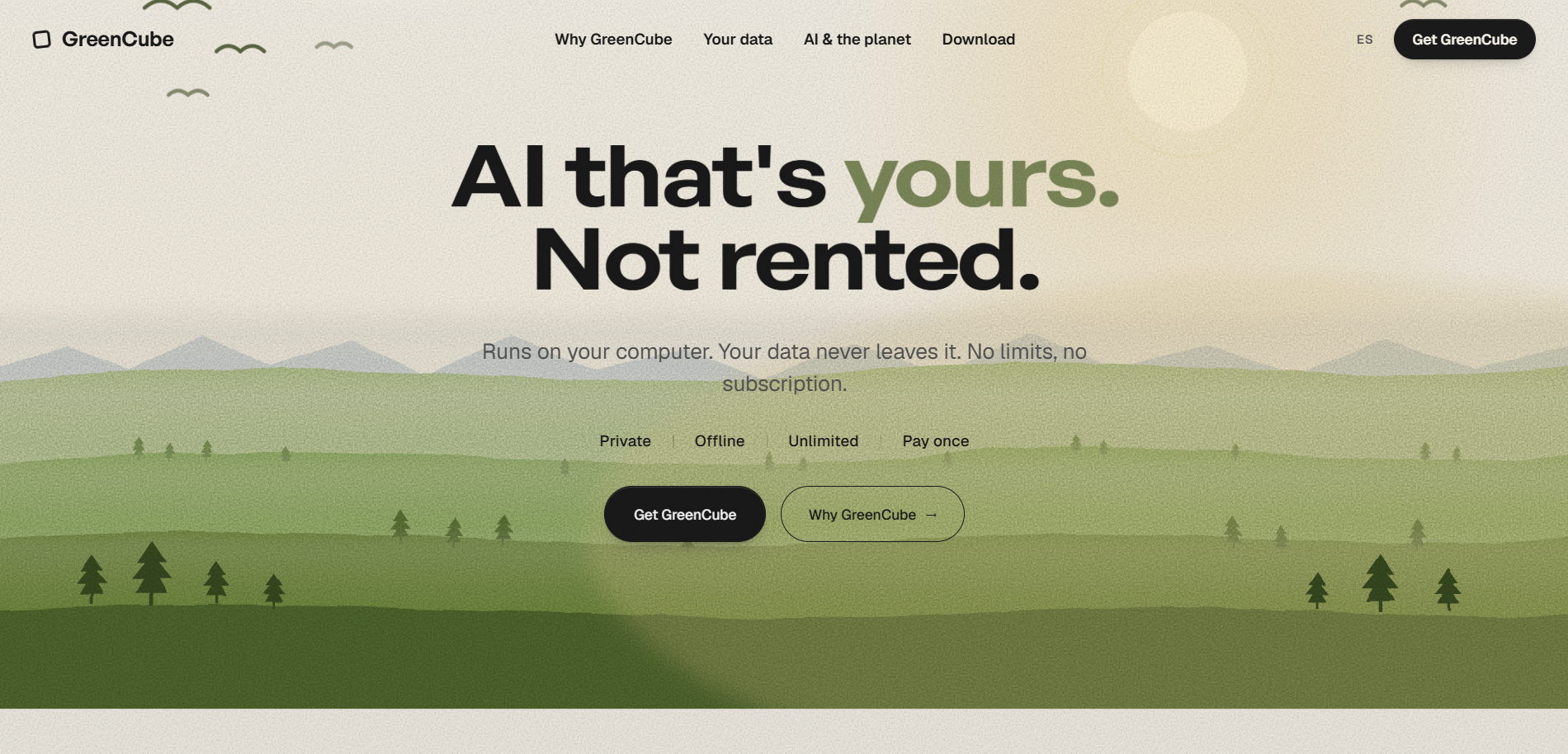
Setup takes a few minutes: install on Windows (Mac support is in development), sign in once with Google or Microsoft to confirm your license, then pick and download one local model. From that point on, your chats and files stay on your machine, whether you're online or not.
- Sign in once, then work offline whenever you want.
- Pick Quick for speed or All-rounder for image and document handling.
- Refund available within 14 days if it's not the right fit.
| What you get | Detail |
|---|---|
| Price | One-time purchase; current prices are on the pricing page |
| Refund window | 14 days |
| Platforms | Windows now, Mac in development |
| Data handling | Chats and files stay on your device |
Ready to see it on your own files? Get GreenCube Lifetime and start with whichever model fits your machine.
Sources
- UCL study exposes privacy risks in AI-powered browser assistants
- Monica Competitors & Alternatives (2026) | Product Hunt
FAQ
Is Monica AI completely free?
Monica AI offers a free tier, but reviews describe usage caps that push regular users toward paid plans fairly quickly. Check the current terms directly on its site, since caps and pricing shift over time.
What are the top AI tools right now?
There's no single agreed-on top three, since the right tool depends on the job: Claude by Anthropic and Perplexity lead for long-context reasoning and research, while ChatGPT remains a common general-purpose choice. For privacy-first offline use, GreenCube fills a different niche entirely, since it runs locally instead of through the cloud.
What are some explicit AI apps?
This article covers productivity and writing assistants only, not adult content tools, so it does not cover that category.
Are there illegal AI sites I can access?
No legitimate roundup points readers toward illegal AI tools, and using one can expose you to real legal and security risks. Stick to established, transparently operated tools like the ones covered here.
How is GreenCube different from browser-based alternatives?
GreenCube runs entirely on your own computer instead of routing prompts through a browser extension or cloud server, so chats and documents never leave your device. It costs 9.99 EUR / 9.99 USD once, with no subscription and a 14-day refund window.