If your documents are sensitive or your connection is unreliable, we recommend GreenCube, a private AI that runs fully offline on your own computer. Other alternatives take different approaches to research. The trade-off is simple. Offline tools keep your files on your computer, while cloud tools may offer broader coverage.
TL;DR:
- GreenCube runs offline on Windows and Mac, costs €9.99 or US$9.99 once, and keeps chats and files on your computer, though slower hardware takes longer.
- Choose Quick for faster plain text work; the image capable model reads figures and creates study guides, but runs more slowly.
- For sensitive projects that need broad discovery, search a cloud index, download papers through an institution or open repository, then analyze PDFs locally.
- Research tools may search papers, map citations, or summarize text, but none can weigh evidence for you; check every claim against its original paper.
Table of Contents
- Which Consensus alternative fits each research need?
- What does each alternative actually do, and where does it fall short?
- How do you choose the right alternative for your project?
- How can you run a focused literature review with these tools?
- Which methods do these tools use to reach their answers?
- When should you pick an offline tool over a cloud platform?
- Why we built GreenCube Lifetime as a private alternative
- FAQ
- Sources
- Where can you verify claims and keep searching?
Which Consensus alternative fits each research need?
The grid below is a quick way to shortlist tools. Entries are qualitative on purpose. Pricing models change often, so we describe their shape and leave out figures we can't source.
What does each alternative actually do, and where does it fall short?
We start with ourselves, then go through the rest fairly.
GreenCube. Our app runs fully offline on Windows and Mac. You pay once, and setup downloads one of two local models: Quick, which is faster and handles plain text, or All-rounder, which also reads images and builds study guides but runs slower. A one-time Google or Microsoft sign-in verifies your license. Chats and files stay on-device. The limit is honesty about hardware: slower computers answer and build things more slowly, and we don't claim to out-reason the biggest cloud models.
The others, in brief:
- Sourcely offers advanced filters over a large indexed database, which suits broad discovery. As a cloud tool, your queries go online.
- Elicit. Check the provider for current information about its features and service.
- Scite. Check the provider for current information about its features and service.
- Research Rabbit. Check the provider for current information about its features and service.
- Logically. Check the provider for current information about its features and service.
- SciSpace. Check the provider for current information about its features and service.
- Paperguide. Check the provider for current information about its features and service.
- ChatGPT and Claude. Check each provider for current information about its features and how it handles your text.
For deeper background on privacy-first design, model-agnostic AI explains how a separate memory layer can sit alongside any assistant.
How do you choose the right alternative for your project?

Start from your constraints, not from feature lists. Six criteria matter most: privacy needs, the depth of your research, file types, sharing with others, budget, and ease of use.
Then answer these five questions honestly:
- How sensitive are your documents, and are you allowed to upload them to a cloud service?
- Which formats do you work with: PDFs only, or scans and figures too?
- Do you need to see how papers cite each other?
- Would a visual map of related studies help you think?
- Do you prefer paying once or paying on a recurring basis?
Pro Tip: When privacy matters, favor local, offline tools; when you need exhaustive, cloud-indexed coverage, favor cloud tools, and use both together if your project needs each.
Our own guides can help you go further. If you work with confidential files, read the best PDF summarizer for people who won't upload sensitive files. Students may prefer our guide to private, offline AI for students.
How can you run a focused literature review with these tools?
This workflow pairs one cloud discovery tool with local analysis, so only your search terms go online. Our broader workflow guide for researchers covers more variations.
- Run targeted keyword searches in a discovery tool and export the titles and DOIs.
- Get the PDFs through your institution or open repositories, and save them in one local folder.
- Open the PDFs in a local app like ours and generate summaries and annotated notes.
- Pull out how papers cite each other and build a short evidence table with claim, source and strength.
- Compare the table against your research question and note the gaps.
If a paper's key findings sit in figures, pick a model that can read images. In our app, that is the All-rounder model. To turn a paper into revision material, our PDF study guide walkthrough shows the steps.
Which methods do these tools use to reach their answers?
The word "consensus" can suggest voting, but tools may use different approaches to answer research questions. Providers may not publish every detail.
- Discovery search can help locate papers and organize information.
- Citation analysis can help examine how papers cite one another.
- Graph mapping can help explore connections among studies.
- Summarization can condense papers or groups of papers.
- Language models can generate answers from text you provide.
The takeaway: no tool can weigh the evidence for you. Review the sources and make your own assessment. Portals such as Semantic Scholar add reading aids that help you check what a summary claims.
When should you pick an offline tool over a cloud platform?
In our experience building offline AI, local tools may suit people with sensitive documents, unreliable internet, or a preference for keeping data on their own computer. Cloud platforms still win on scale and breadth when you need to scan a whole field. We'd rather say that plainly than oversell. Use the right tool for each stage of the work.
— Hector Gras
Why we built GreenCube Lifetime as a private alternative
We built GreenCube for people whose documents shouldn't leave their computer: students, researchers, teachers and professionals handling sensitive PDFs. Here are the facts you can check:
- It runs fully offline on Windows and Mac (no Linux).
- You pay once: €9.99 / US$9.99, everything included.
- Setup downloads an AI model one time, either Quick or All-rounder.
- A one-time Google or Microsoft sign-in unlocks it. Chats and files stay on your computer, and only features you switch on go online.
- Tiers (Seed, Sprout, Bloom, Thrive) show what your computer handles well. They are not paid plans.
We sell privacy, ownership, offline use and one price. We don't claim to be smarter than big cloud AI, and on a slower computer answers and builds take longer.
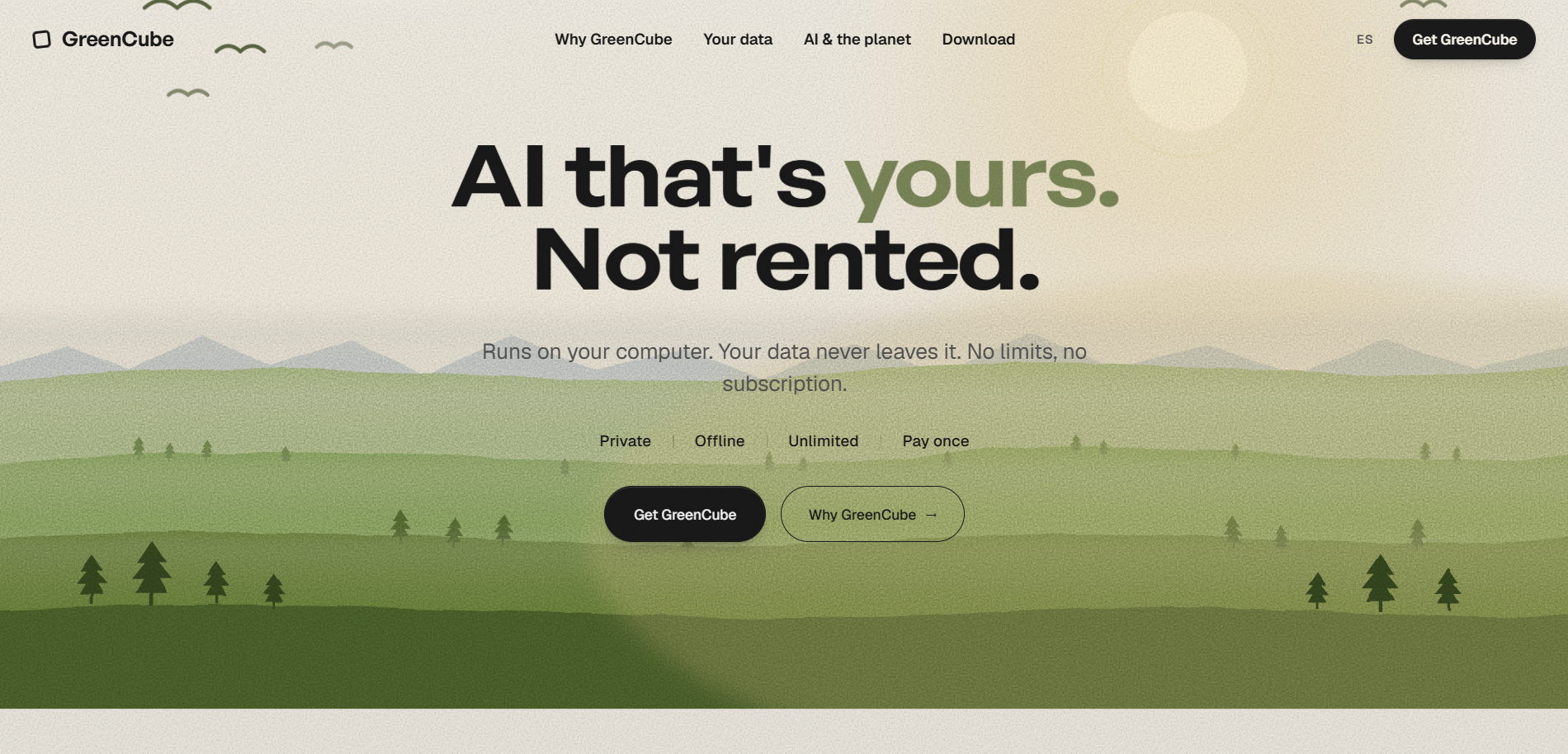
Ready to try it? Get GreenCube Lifetime and keep your research on your own machine.
FAQ
Which is better, SciSpace or Consensus?
It depends on the job. SciSpace focuses on understanding individual papers, while Consensus-style tools aim at answering questions across many papers. Pick by task, and check each provider's current plans.
Is there a free version of Consensus?
Plans and limits change, so check the provider's pricing page for what is free today. If you want to avoid recurring costs, our app is a one-time purchase.
What are the key differences between Consensus and Elicit?
Elicit is built for structured literature discovery and pulling data out of papers into organized form. Consensus-style tools lean toward quick, question-based answers. Both are cloud services.
Is Consensus a good AI tool?
It can be useful for quick orientation on a research question. Always check claims against the original papers, since any AI summary can miss nuance.
Sources
Where can you verify claims and keep searching?
Cross-check any AI summary against primary sources. PubMed covers biomedical and life-sciences literature, Semantic Scholar indexes papers across disciplines, and IEEE Xplore is the main portal for engineering and computing papers. Follow the original paper before you cite it.