AI can genuinely help your homeschool when you treat it as a co-pilot, not a replacement teacher. It works best for lesson planning, practice drills, and feedback, provided you protect your child's privacy and keep a human in charge of judgment calls. The biggest mistake parents make is letting AI answer instead of coach, so the guardrail that matters most is limiting AI to tasks that stretch your child's thinking rather than finish it for them.
TL;DR:
- Using AI for homeschool should focus on tasks that save time, like lesson planning and generating practice materials, without replacing the parent’s judgment.
- Limit AI to support critical thinking activities, such as offering hints or drafting rubrics, rather than providing direct answers or completing student work.
- Implement a low-risk, four-week trial of AI tools starting with simple tasks like lesson plans, then gradually increasing student independence with verified outputs.
- Prioritize offline or privacy-first AI options, like GreenCube, that keep data on your computer and reduce exposure of personal or sensitive student information.
- When choosing an AI tool, verify privacy controls, subject coverage, resource requirements, and test it on low-stakes tasks before trusting it for graded work or transcripts.
Table of Contents
- What AI can actually do for homeschooling
- Practical ways parents use AI: copy-ready prompts and mini workflows
- Safety, privacy, and age-appropriate rules for homeschool AI
- How to choose an AI tool for your homeschool
- Starter plan: a 4-week, low-risk rollout
- Why privacy-first, local AI appeals to homeschool families
- GreenCube: a privacy-first offline AI assistant option for homeschoolers
- FAQ
- Sources
- Primary sources and guidance for further reading
What AI can actually do for homeschooling
AI tools are genuinely useful for the repetitive, time-consuming parts of homeschooling that eat into actual teaching time. They draft, sequence, and generate so you can focus on your child's questions instead of formatting worksheets at midnight.
Here is where AI tends to earn its keep in a homeschool routine:
- Building lesson plans, sequencing units, and drafting rubrics or grading exemplars.
- Generating worksheets, quizzes, and practice sets with instant answer feedback.
- Offering adaptive math and reading practice that adjusts to where your child is stuck.
- Acting as a conversation partner for language practice or writing feedback.
- Keeping schedules, building portfolios, and summarizing weekly progress.
Homeschool parents commonly report using AI this way: generating a historical figure for a role-play chat, drafting a rubric for a science project, or producing a quick exemplar essay to show a child what "good" looks like. None of this replaces a parent's judgment about whether the material fits the child, but it removes a lot of the blank-page problem that makes homeschooling exhausting. Adaptive practice tools work similarly to how adaptive learning in language education adjusts difficulty in real time based on a learner's responses, a pattern that transfers well to math drills and reading comprehension exercises too.
Practical ways parents use AI: copy-ready prompts and mini workflows
The fastest way to see if AI fits your homeschool is to run a few small workflows this week instead of overhauling your whole curriculum.
- History lesson in 45 minutes: Ask for a lesson plan on a specific topic, grade level, and time limit, then request a one-page worksheet to go with it.
- Math hints, not answers: Ask the AI to give step-by-step hints for a problem type without revealing the final answer, so your child still has to finish the reasoning.
- Language conversation practice: Set up a roleplay where the AI plays a shopkeeper, tour guide, or pen pal in the target language at a beginner level.
- Writing feedback loop: Have your child submit a paragraph and ask the AI for three specific, encouraging revision suggestions rather than a rewrite.
- Weekly portfolio summary: Feed in a list of completed assignments and ask for a short progress summary you can file for records.
A simple prompt template keeps results consistent: state the goal, your child's grade level, any constraints like time or reading level, and the format you want back. "Create a 20-minute fractions worksheet for a 4th grader, five problems, answer key separate" works better than a vague request.
Before using any output, run it through a short check: is it factually accurate, is it pitched at the right grade level, and does it handle cultural or historical topics with care. AI models still make mistakes, especially with dates, names, and nuanced history.
Pro Tip: Ask the AI to respond with questions that guide your child toward the answer instead of giving it outright. This keeps the thinking work with the student, where it belongs.
Safety, privacy, and age-appropriate rules for homeschool AI
Treat AI like you would any tool handling your child's personal work: with clear limits on what it sees and who it talks to.
UNESCO recommends a minimum age of 13 for a student to interact independently with generative AI, with younger children using it only under direct supervision. That means a parent sits with younger kids during any AI session, reviews prompts before they're sent, and never shares a child's full name, school, or location in a chat.
A short privacy checklist helps enforce this at home:
- Prefer offline or local tools when a child's actual schoolwork or writing samples are involved.
- Strip names, addresses, and other identifiers from any prompt before sending it.
- Turn on parental or account controls where the tool offers them.
- Read the privacy terms before using any tool marketed for classrooms or families.
The PROSPER framework describes this balance as "titrated use": giving AI just enough room to support thinking without letting it do the thinking. Accessibility matters here too. Tools should support learners with different needs, in line with universal design principles that many schools already use for students with disabilities.
How to choose an AI tool for your homeschool
Most AI tools can be evaluated in under ten minutes if you know what to check.
Start with these criteria before committing to anything:
- Does it offer a private or offline mode, and what happens to your data if it doesn't?
- Is the cost a one-time purchase or an ongoing subscription, and what happens if you stop paying?
- Does it fit the subjects you actually teach, or is it generic and shallow?
- What does it require from your computer, and will it still run well on an older laptop?
- Does it support learners with different reading levels or processing needs?
Red flags worth testing for during any free trial: vague answers about where your data goes, no way to export your child's work, and a subscription that locks past content behind a paywall if you cancel. Start by piloting a tool on low-stakes tasks like lesson plans or rubrics before trusting it with anything that counts toward an actual grade or transcript.
Starter plan: a 4-week, low-risk rollout
A month is enough time to know if an AI tool belongs in your homeschool permanently.
- Week 1: Set up the tool, configure privacy settings, and generate one lesson plan and worksheet to review together.
- Week 2: Use AI for supervised practice, letting it give math or reading hints while you check the output against what your child actually needs.
- Week 3: Let your child use it with more independence, but require a short reflection or oral summary of what they learned and how AI helped.
- Week 4: Review what worked, save a few artifacts to your portfolio, and adjust your prompts or rules based on what the first three weeks showed you.
By the end of the month you'll know whether the tool earns a permanent spot in your routine or gets quietly retired.
Why privacy-first, local AI appeals to homeschool families

Homeschooling means handling a lot of a child's personal work: essays, test scores, handwriting samples, sometimes photos of assignments. I think that's exactly the kind of material that shouldn't be routed through someone else's server by default.
Offline AI trades some raw power for a simpler promise: what happens on your computer stays on your computer. It won't match a massive cloud model on every task, and it needs more from your machine to run well. For homeschool paperwork and daily practice, that trade often makes sense.
— Hector Gras
GreenCube: a privacy-first offline AI assistant option for homeschoolers
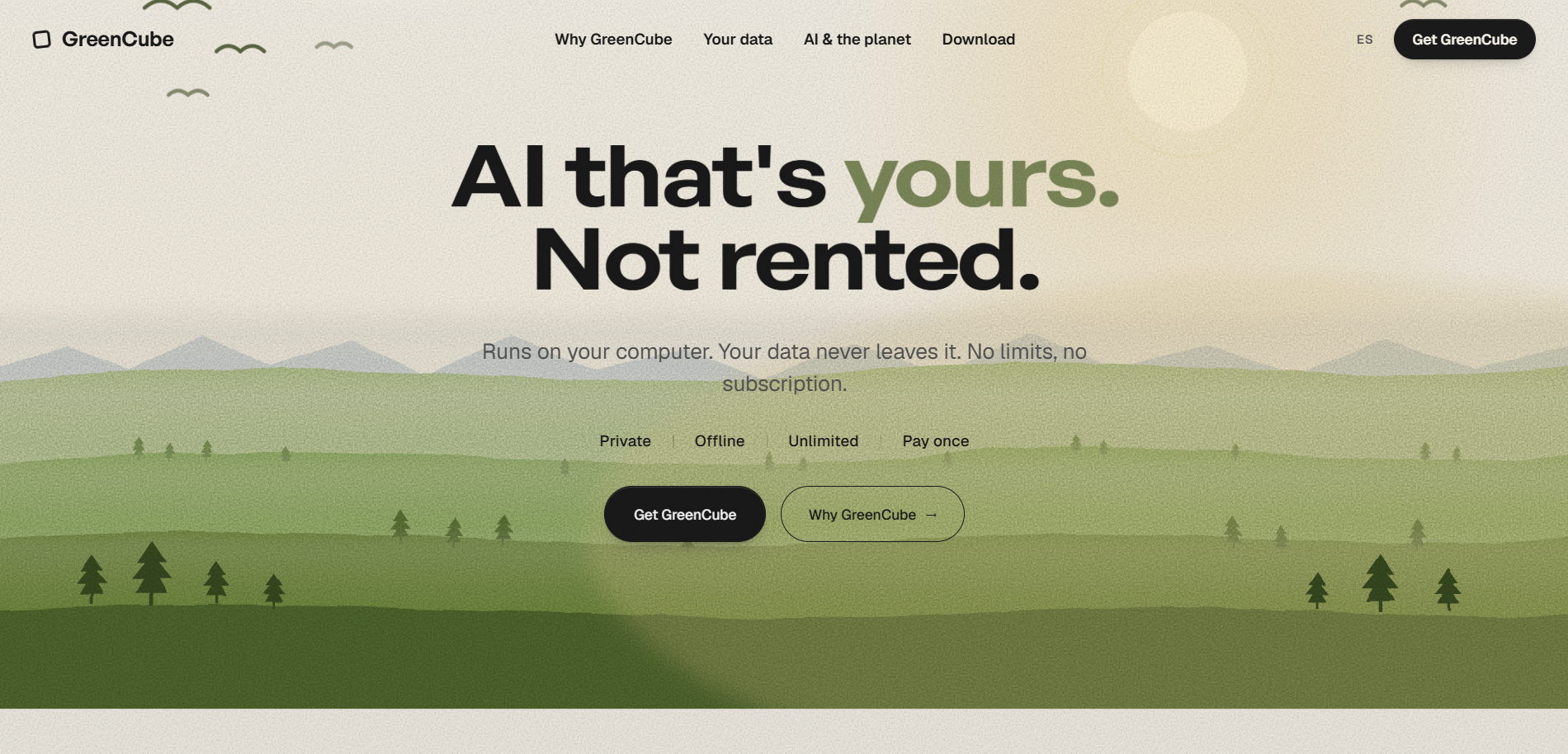
If the privacy checklist above matters to your family, one privacy-focused AI assistant option is a desktop app that runs fully offline on Windows, with a Mac version in development. It keeps every chat and document on your own computer. Setup downloads one AI model a single time, with options varying by speed and features such as plain text or image and PDF reading, useful for scanning handwritten work or textbook pages.
Before you buy, check a few practical things:
- Your computer's RAM and storage, since the All-rounder model needs more resources and runs slower on older machines.
- Whether you actually need image or PDF reading, which changes which model you pick at setup.
- That you're comfortable with a one-time Google or Microsoft sign-in, used only to confirm your license, never to collect chat data.
It costs $9.99 one time, with everything included and no subscription. It won't out-reason the biggest cloud AI models, but for homeschool lesson plans, private tutoring help, and document review that never leaves your laptop, it's a straightforward way to try AI without handing a child's schoolwork to a server you don't control. Visit GreenCube to see how it works before you decide.
FAQ
What is the best AI tool for homeschooling?
There's no single best tool since it depends on whether you need offline privacy, subject-specific tutoring, or general lesson planning help. Families handling sensitive student work often prioritize offline options, while those wanting broad subject coverage lean toward cloud-based assistants. Test a tool on a low-stakes task first, like a worksheet or lesson plan, before relying on it for anything graded.
What is the 30% rule for AI?
A more reliable guideline comes from the PROSPER framework, which recommends "titrated use," limiting AI to tasks that support a student's thinking rather than replace it entirely.
Is there a free AI tool for schools?
Several general-purpose AI chatbots offer free tiers that schools and homeschool families can use for basic tasks like drafting lesson ideas or practice questions. Free tiers usually come with usage limits and send data to the provider's servers, so check the privacy terms before using them with student work.
What is the school version of ChatGPT?
Some AI providers offer education-focused versions of their chatbots with added classroom controls, but these are built by the same companies as their consumer products. For homeschools wanting more control over student data, a privacy-focused or offline tool is a more direct way to limit what leaves your computer.
How much supervision does a child need when using AI?
UNESCO guidance recommends children under 13 use generative AI only with direct adult supervision, not independently. Older students can use it with more independence once they understand the tool's limits and your family's privacy rules.
Sources
- PROSPER / Prepare / Protect framework for AI in education (ERIC)
- News
- Tutor CoPilot: A Human-AI approach for scaling real-time expertise
- Efficacy evaluation of ChatGPT-generated help in mathematics tutoring
- AI literacy in PK-12 education (ERIC brief)
Primary sources and guidance for further reading
- PROSPER / Prepare / Protect framework for AI in education (ERIC)
- UNESCO calls on governments to regulate generative AI use in education
- AI literacy in PK-12 education (ERIC brief)
- Tutor CoPilot: A Human-AI approach for scaling real-time expertise
- Efficacy evaluation of ChatGPT-generated help in mathematics tutoring
- GreenCube Lifetime
- GreenCube