An effective school AI policy states whether and how students and staff may use AI, requires human oversight and transparency, and sets clear tool vetting and privacy rules. It names allowed and disallowed uses for pupils, sets conditions for staff, and requires an AI Use Note on submitted work. It also mandates tool vetting for data privacy, a named governance lead, and a set review schedule.
TL;DR:
- Primary pupils should use AI only under teacher supervision; middle school students need permission, while high school assignments must explicitly allow disclosed AI support.
- Require an AI Use Note listing the tool, prompt or task, student edits, and any required citation, and attach the rule to each assignment.
- Before approval, check retention and model training terms, written privacy policies, and breach notices; prohibit staff from uploading student work through personal accounts.
- When undisclosed use is suspected, review drafts, interview the student, document a decision, and offer an appeal; detector scores alone can falsely flag multilingual writers.
- Test the policy in one grade or department before schoolwide rollout, then review annually or every six months while the pilot remains active.
Table of Contents
- Policy essentials: the sections every school AI policy needs
- Grade-band rules and student-facing use
- Staff use and tool vetting: approving, documenting, and limiting AI tools
- Transparency and academic integrity: practical procedures
- Governance and rollout: roles, timeline, and review cadence
- Sample templates and classroom examples
- Evidence-backed highlights and expert guidance to strengthen your policy
- Author perspective: why co-creation and privacy matter
- An adjacent option: a privacy-first, offline AI tool for schools and staff
- FAQ
- Sources
Policy essentials: the sections every school AI policy needs
A working policy is operational, not aspirational. It needs five parts, each doing a specific job rather than restating good intentions.
Start with vision and scope: a short paragraph tying AI use to existing learning goals, not a separate ambition bolted onto the curriculum. Then define terms. "Generative AI" and "assisted work" mean different things to a ninth grader and a school board member, and a policy that assumes shared understanding invites disputes later.
Acceptable use clauses carry the real weight. Vague language like "use AI responsibly" settles nothing when a dispute arises; concrete examples do. A clause that says students may use AI to brainstorm essay topics but not to draft final paragraphs gives teachers something enforceable.
Academic integrity sections need to name AI explicitly rather than relying on older plagiarism language written before generative tools existed. Finally, every policy needs a decision rights section: who approves exceptions, who signs off when a teacher wants to pilot a new classroom tool, and what happens when a rule does not fit a specific assignment.
- Vision and scope: ties AI use to stated learning outcomes, not technology for its own sake.
- Definitions: generative AI, assisted work, and AI Use Note get one plain sentence each.
- Acceptable use: concrete, assignment-level examples, not abstract principles.
- Academic integrity: names AI directly alongside existing citation and originality rules.
- Decision rights: a named person or committee handles exceptions and new tool requests.
Grade-band rules and student-facing use
Age bands matter because learning goals, supervision levels, and tool age limits differ sharply across a school. Many generative AI tools set their own minimum ages, and UNESCO guidance on AI in education points to roughly 13 as a common threshold many frameworks use for unsupervised use, pairing that with a strong transparency requirement for any student use.
- Early years and primary: AI stays teacher-operated or fully supervised; students do not use open chat tools independently, and any AI-generated content is reviewed by staff before it reaches a child.
- Middle school: students may use approved tools for brainstorming, vocabulary support, or practice questions under direct teacher permission, logged per assignment.
- High school: students may use AI for drafting support, research summaries, or revision help where the assignment explicitly allows it, always disclosed through an AI Use Note.
The AI Use Note is the hinge of student-facing rules. A simple template works: tool used, purpose of use, a short note on what the student changed afterward, and any citation the tool itself needs. Teachers attach the expectation to the assignment sheet, not to a separate policy document students rarely read. For colleges weighing similar risks in high-stakes writing, Top College Coach's guidance on AI in college applications is a useful parallel on where disclosure matters most.
Staff use and tool vetting: approving, documenting, and limiting AI tools
Staff-facing rules need more operational detail than student rules because teachers often bring in tools on their own initiative. A vetting checklist keeps that instinct from becoming a privacy gap.
- Data retention: confirm how long the vendor keeps uploaded content and whether it is used to train models.
- Vendor privacy documentation: require a written privacy policy before any tool touches student data, consistent with the vendor assessment approach described in federal FERPA guidance.
- Breach response: ask vendors what their notification process looks like and in what timeframe.
- Approved tool list: maintain one list of staff-only tools and one list of pupil-facing tools, since the risk profile differs.
- Personal account use: prohibit uploading student work to AI tools through a teacher's personal, unvetted account.
Document every approved tool with its vetting date, the staff member who requested it, and any conditions attached. Exceptions get logged the same way exceptions to any school policy are logged: in writing, with a named approver.
Pro Tip: Keep a one-page vendor record for each approved tool, so a new AI lead can review the whole list in an afternoon rather than starting from scratch.
Transparency and academic integrity: practical procedures
Transparency works best as a routine, not a punishment mechanism triggered only when something looks wrong. An AI Use Note should capture four fields every time: the tool used, the prompt or task given to it, what the student changed before submitting, and any citation the tool requires.
When AI use is suspected and undisclosed, a three-step process keeps things fair. HIAS policy guidance recommends review, meet, decide: look at the work and any drafts, meet with the student to hear how it was produced, then decide and document the outcome, with an appeal step available.
- Look: compare the submission against drafts, version history, or prior writing samples.
- Meet: ask the student to walk through their process out loud.
- Decide: document the outcome and the reasoning, and offer an appeal path.
Detector scores alone are not sufficient evidence. UNESCO notes that automated detection tools produce false positives, particularly for multilingual writers, so a detector score should be one signal among several rather than the deciding one. Before major assignments, a short classroom script helps: "This assignment allows AI for outlining only. Attach your AI Use Note if you used any tool at any stage."
Governance and rollout: roles, timeline, and review cadence
Policy without named owners drifts. A practical rollout follows a sequence rather than a single announcement.
- Appoint roles: name an AI lead to own the policy document, loop in the Data Protection Officer for vendor review, involve the safeguarding lead for pupil-facing risks, and give governors oversight of the final version.
- Engage stakeholders: draft with input from staff, students, and parents before finalizing, since policies built this way are easier to enforce and to teach in class, a point echoed in guidance on co-creating AI-use policies with students.
- Pilot, then scale: test the policy in a small innovation zone, a single grade or department, before rolling it out school-wide.
- Set a review cadence: HIAS guidance suggests annual review as a baseline, moving to a six-month cycle while a pilot is active, since AI tools and risks shift faster than most policy cycles.
Rather than drafting an entirely separate AI document, integrating AI expectations into existing Acceptable Use Policies with a dedicated AI appendix keeps guidance in one place staff already check.
Sample templates and classroom examples
Starter language saves weeks of drafting. These snippets are meant to be copied and adapted, not used verbatim without a local review.
A district policy paragraph might read: "Our district supports AI use that strengthens learning and staff capacity. AI tools must be vetted for data privacy, used with human oversight, and disclosed through an AI Use Note on student work where applicable."
A classroom policy template lists what is allowed and what is not, with a signature line: "Allowed: brainstorming, vocabulary help, practice questions. Not allowed: generating final submitted text without disclosure. I have read and understood this classroom policy: [student signature]."

The AI Use Note itself needs only four lines, matching the transparency fields covered earlier: tool, prompt, student edits, citation.
An assignment label checklist for teachers keeps things consistent across a department:
| Label | Meaning |
|---|---|
| AI-free | No AI tool use permitted at any stage |
| AI-assisted (disclosed) | AI allowed for specific stages, AI Use Note required |
| AI-supported research | AI allowed for summarizing sources, citations still required |
- District paragraphs set the vision; classroom templates make it concrete.
- Signature lines turn a policy document into something students actively agree to.
- Assignment labels remove ambiguity before a student starts, rather than after submission.
Evidence-backed highlights and expert guidance to strengthen your policy
Several bodies have published guidance worth citing directly when a policy faces pushback from staff or parents.
- UNESCO's recommendations push toward age-appropriate controls and consistent transparency documentation for generative AI in education.
- Gov calls for careful weighing of benefits against risks, with safeguarding, data protection, and human oversight as non-negotiable conditions for pupil-facing tools.
- HIAS policy guidance offers a choice between principles-based and task-list formats, letting schools pick what matches their enforcement capacity.
UNESCO's guidance frames generative AI in education around age-appropriate controls and mandatory transparency, which gives school leaders a defensible basis for requiring AI Use Notes rather than inventing the requirement from scratch. State-level guidance in regions like Illinois frames AI decisions around human relationships and local context rather than one-size-fits-all rules, a reminder that borrowed templates still need a local review pass.
Author perspective: why co-creation and privacy matter
Policies drafted entirely by administrators tend to sit unread in a shared drive. Drafting with students, even briefly, surfaces real classroom habits a policy committee would otherwise miss and makes the final document easier to enforce because students helped set the terms.
The harder trade-off is between enforceability and specificity: broad principles are flexible but hard to apply consistently, while detailed task lists are clear but age quickly. Start with the templates above, test them in one grade, and adjust before scaling.
— Hector Gras
An adjacent option: a privacy-first, offline AI tool for schools and staff
Vetting a cloud AI vendor means reading data retention policies, training data clauses, and breach notification terms before a single student uploads anything. For staff who want to sidestep that entirely for personal drafting, lesson planning, or private document review, an offline tool removes the vendor data question altogether because nothing leaves the device.
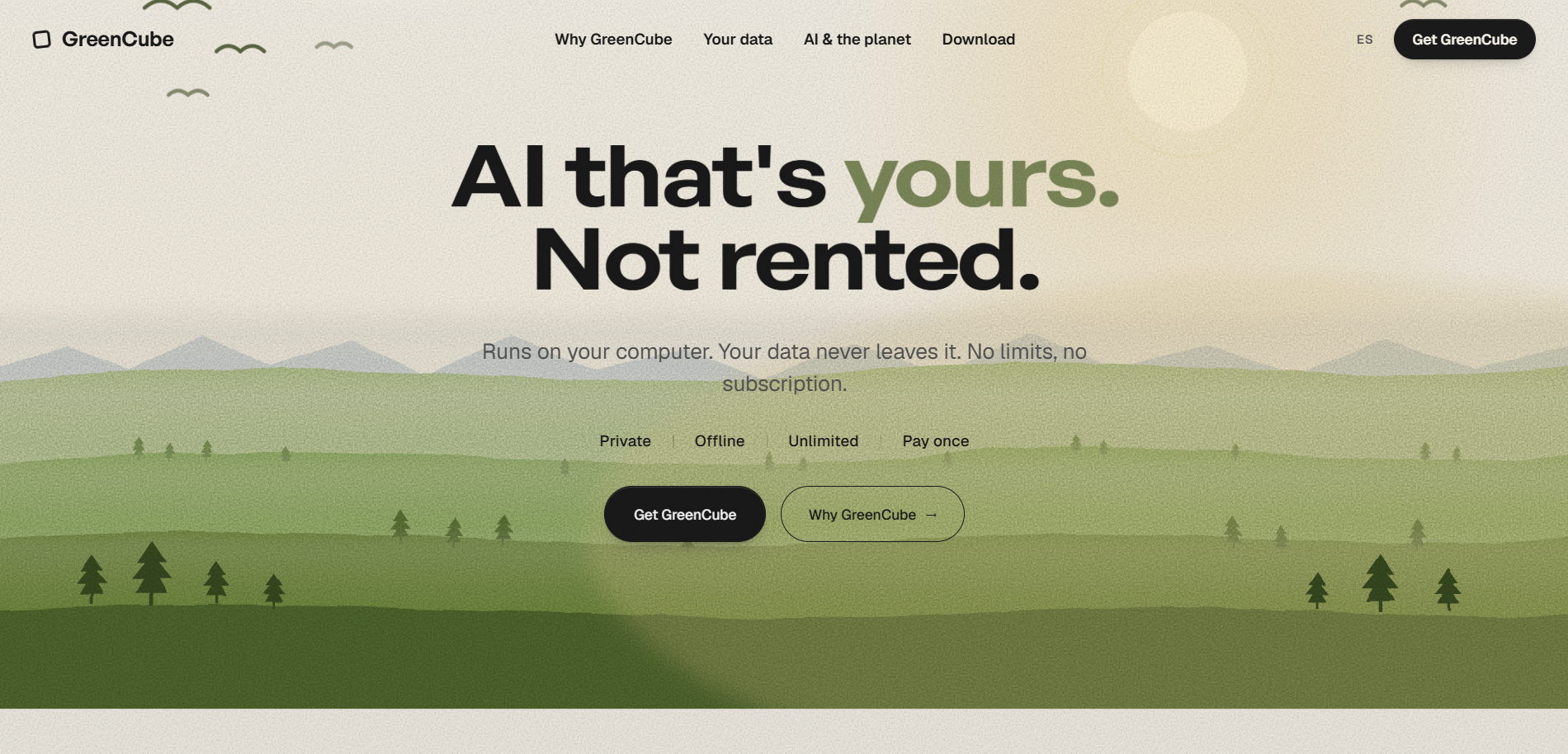
GreenCube runs locally on Windows and Mac, with chats and documents staying on the machine rather than passing through a vendor's servers. Setup downloads one AI model once, and after that it works with no internet connection at all. It costs €9.99 / US$9.99 paid once, with everything included and no subscription.
- No ongoing data-sharing questions to vet, since nothing is transmitted.
- One-time setup, including a one-time Google or Microsoft sign-in to confirm the license.
- Works on a staff laptop for drafting, planning, or private document analysis without a district-wide vendor review.
For staff exploring offline setups that respect student data boundaries, our guide on FERPA-conscious offline AI workflows walks through the practical steps. Get started on the GreenCube product page.
FAQ
Are schools required to have an AI policy?
Most education authorities do not mandate a standalone AI policy by law, but guidance from bodies like the UK Department for Education strongly recommends one covering safeguarding, data protection, and human oversight. Many districts fold AI rules into existing Acceptable Use Policies rather than writing a separate document.
Do schools allow students to use AI?
Policies vary widely, but many schools now permit limited, disclosed AI use such as brainstorming or vocabulary support, especially in middle and high school. Use typically requires an AI Use Note and teacher permission rather than open, unsupervised access.
What is the 30% rule for AI?
Some classroom templates cap AI-assisted content at a set share of a submission, but this is a local classroom choice, not a standard.
Can schools expel you for using AI?
Consequences for undisclosed AI use typically follow existing academic integrity policies, ranging from a resubmission requirement to more serious disciplinary steps depending on severity and prior history. Expulsion would be an extreme outcome reserved for serious, repeated violations under a school's broader conduct code, not a standard response to a first AI disclosure issue.