GreenCube is the right call if you want your chats, PDFs, and photos to never leave your own computer. ChatGPT still wins when you need frontier-level reasoning, huge context windows, or the newest model updates. For students and professionals handling sensitive material day to day, offline and local beats cloud almost every time.
TL;DR:
- GreenCube offers a fully offline, one-time purchase solution ideal for users managing sensitive data and needing control over their AI environment.
- Its models range from a lightweight, fast 2GB option for plain text conversations to a 4.2GB model capable of reading images and documents, requiring at least 8GB of RAM.
- Privacy remains conditional; encrypted drives and disk security are necessary since local AI can still store accessible caches and runtime files, and data may be sent elsewhere if configured to do so.
- GreenCube bypasses ongoing costs and internet dependence, providing faster responses on hardware that matches its model size, unlike cloud models that offer larger, more capable AI with frequent updates.
- For tasks involving extremely complex reasoning, long document handling, or latest model access, cloud-based tools like ChatGPT still outperform local solutions, making a hybrid approach advisable.
Table of Contents
- ChatGPT vs GreenCube: What GreenCube Actually Is
- Local AI vs Cloud AI: Privacy, Power, and Speed Trade-Offs
- How to Set Up GreenCube and Pick the Right Model
- When Should You Choose GreenCube Over ChatGPT?
- Why Practical Privacy Beats Perfect Privacy
- Get GreenCube: One Purchase, Full Offline Access
- Sources
- FAQ
ChatGPT vs GreenCube: What GreenCube Actually Is
GreenCube is a desktop app you download once and run entirely offline on your own computer. No cloud, no server, no data pipeline back to a company. It works like a private assistant that lives on your hard drive instead of on someone else's.
The app runs on Tauri, Rust, and React, with a local AI processing library handling the inference. That combination matters because it's built for a small footprint and fast response, not for the heavy server infrastructure that cloud AI depends on.
When you set it up, you choose one of two models:
- Quick: a lighter model built for fast, plain text conversations. It cannot read images.
- All-rounder: a larger model that reads images and documents and can build study guides, but it runs slower and needs more memory.
You pay once, and everything is included. There's no subscription creeping onto your credit card every month. The only online step in the entire process is signing in once with an account, strictly to confirm your license. No chat content, no documents, no images get uploaded anywhere as part of that check.
Pro Tip: Before you install anything, check how much free storage and RAM your computer has. It tells you immediately whether the Quick model or the All-rounder model fits your machine, and it saves you a frustrating first hour.
Local AI vs Cloud AI: Privacy, Power, and Speed Trade-Offs
Running AI locally does not automatically make it private. That's a common misconception worth correcting up front.
An app can process everything on your device and still send data elsewhere if it's built to. The real test is what the software does after inference, not where inference happens. Model caches and runtime folders are often stored in plain view on disk, which is why local AI privacy guides recommend encrypting the drive where those files sit rather than trusting "local" as a magic word.
Cloud services like ChatGPT have a genuine edge in raw capability. Their models are larger, trained on more compute, and typically handle long, complex reasoning chains or massive documents better than anything that fits on a laptop today. That gap is real, and pretending otherwise does readers a disservice.
Where local wins decisively is cost and control:
- Zero per-message or per-token charges once you own the software.
- No network round-trip, so response time depends only on your hardware, not your internet connection.
- You decide what stays on the machine, because nothing is designed to leave it by default.
- You take on the responsibility for security, meaning encrypted volumes, OS-level permissions, and sane retention habits become your job, not a vendor's.
Local first architecture keeps files and the record of what was read on your device, sending only what's strictly necessary elsewhere, if anything at all. That's a fundamentally different privacy posture than a chat window that streams your questions to a remote server by design.
How to Set Up GreenCube and Pick the Right Model
Getting GreenCube running takes about ten minutes, most of it spent waiting on a download.
- Download the installer for Windows or Mac from the GreenCube site.
- Sign in once with Google or Microsoft. This step only checks your license, nothing else.
- Choose Quick or All-rounder based on your hardware and needs.
- Let the app download your chosen model. This happens once and stores the model locally.
- Start chatting or uploading documents, with no internet connection required afterward.
The model choice is the decision that actually matters. Quick is around 2GB, loads fast, and handles plain text conversation well, but it can't look at an image or read a scanned PDF. All-rounder is closer to 4.2GB and reads images and documents, building study guides or summaries from them, but it wants roughly 8GB of RAM to run smoothly and responds more slowly than Quick.
The app's tiers simply describe what your particular computer can comfortably handle. A machine with modest RAM will still answer questions and build documents; it just takes longer than a computer with more headroom. That's an honest trade-off, not a limitation hidden behind fine print.
Pro Tip: Move your model files to an encrypted volume if your operating system supports one, and turn off desktop indexing for that folder. It's a five-minute step that closes off a real leakage path most people never think about.
For more detail on model sizing, how local AI works on a laptop breaks down memory and storage requirements by task type.

When Should You Choose GreenCube Over ChatGPT?
The right tool depends entirely on what you're doing with it, not on brand loyalty.
GreenCube fits naturally when you're reviewing an NDA on a flight with no WiFi, when a student needs to run a stack of lecture PDFs through repeated study-guide generation, or when a freelancer drafts client work they'd rather not funnel through any external server. Frequent, repetitive, sensitive tasks are exactly where a one-time purchase and zero ongoing exposure pay off.
ChatGPT and other cloud tools still make more sense for a handful of jobs:
- Complex, multi-step code reasoning across a large codebase.
- Summarizing extremely long documents that exceed what a local model's context window can hold.
- Using the newest model release the day it ships, since cloud AI adoption keeps climbing as providers push frontier capability updates faster than local hardware can absorb them.
A hybrid approach works well in practice. Keep anything sensitive, personal, or client-confidential local by default. Only send content to a cloud model when the task genuinely requires it, and strip out names, account numbers, or proprietary details first. A simple rule of thumb: if you wouldn't paste it into a public forum, don't paste it into a cloud chat window either.
Why Practical Privacy Beats Perfect Privacy
Privacy advice fails most people because it demands too much. Nobody air-gaps their laptop or memorizes encryption protocols for a Tuesday afternoon of writing.
What actually works is lowering the friction until the private option is the easy option. GreenCube's whole premise is that offline AI shouldn't require a computer science degree, just a download and one sign-in. The trade-off is real: you give up some raw capability compared to the largest cloud models. For the bulk of everyday writing, studying, and document review, that gap rarely matters.
Try it on a spare laptop or an old machine first if you're unsure. You'll find out fast whether Quick or All-rounder fits your habits, with no subscription clock running while you decide.
— Hector Gras
Get GreenCube: One Purchase, Full Offline Access
GreenCube is the alternative to renting AI access month after month. Instead of a subscription meter running in the background, you pay $9.99 one time and own the software outright, with your chats and documents never leaving your computer unless you choose to send them somewhere.
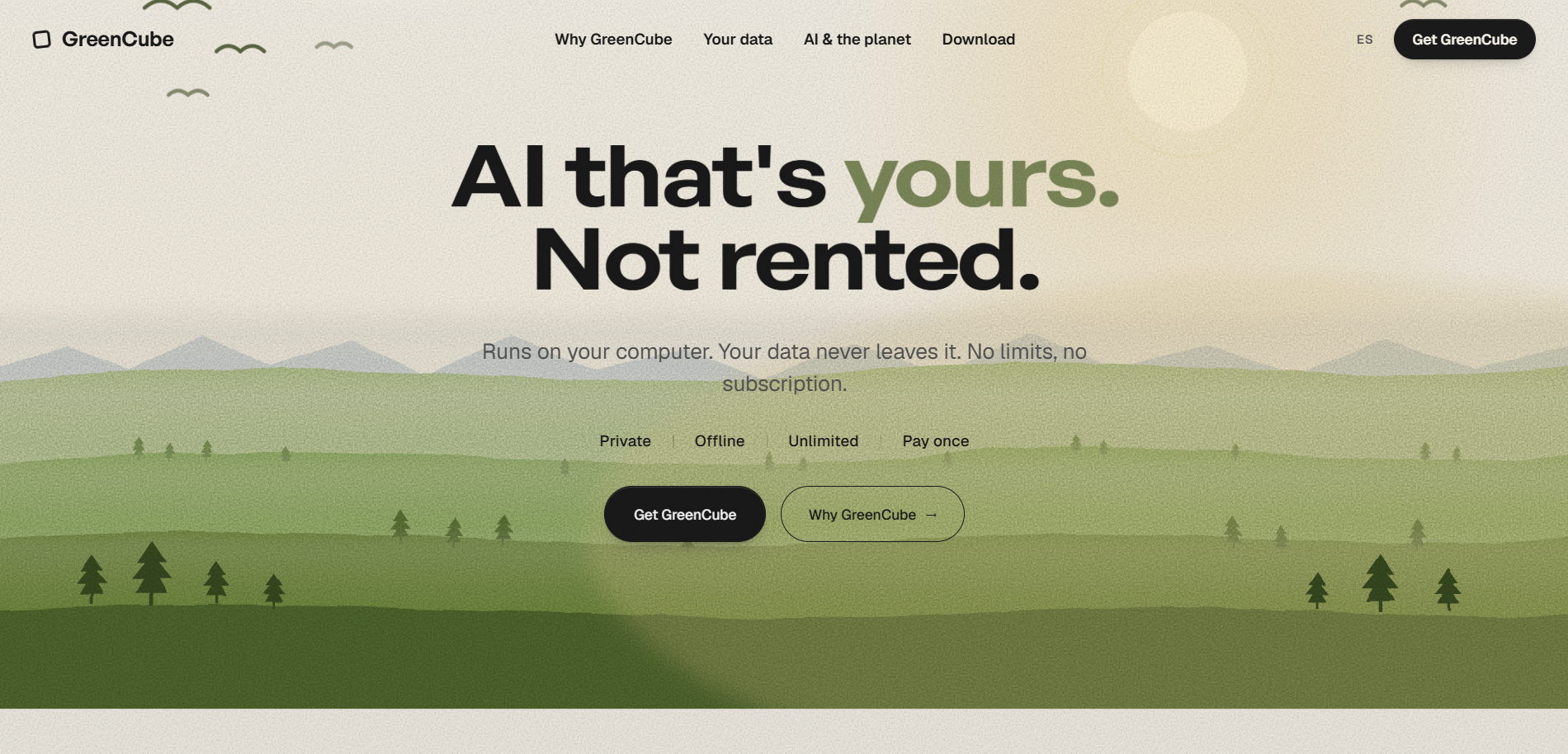
A lifetime license unlocks both model options and provides unlimited use with no per-message costs. It currently runs on Windows; support for other platforms is in development. The only online step is a one-time Google or Microsoft sign-in to confirm your license, nothing about your conversations or files ever gets uploaded as part of that.
To get started, download the app, sign in once, pick the model that fits your hardware, and start working offline immediately. GreenCube won't out-reason the biggest cloud models on the hardest problems, and it doesn't pretend to. What it offers instead is privacy you don't have to think about and a price you pay exactly once. Get GreenCube Lifetime or read more on the GreenCube product page.
Sources
- Local AI for privacy — what you actually get (May 2026) | RunLocalAI
- Local First AI vs Cloud AI: Real Trade-Offs — Lapu AI
FAQ
Is GreenCube Really Offline, or Does It Send Data Anywhere?
GreenCube runs entirely on your computer, and your chats and documents never leave the machine. The only online action is a one-time Google or Microsoft sign-in used solely to verify your license.
How Much Does GreenCube Cost?
GreenCube Lifetime is a one-time purchase of $9.99, with no subscription and no recurring fees. Everything, both model options and unlimited use, is included in that single payment.
Which GreenCube Model Should I Pick, Quick or All-Rounder?
Choose Quick if you mainly want fast plain-text conversation and have a lighter computer, since it's around 2GB and can't read images. Choose All-rounder if you need document and image analysis and have roughly 8GB of RAM available, since it runs slower but handles more.
Is ChatGPT Better Than GreenCube for Every Task?
No. ChatGPT and similar cloud tools have an edge for very long documents, complex code reasoning, and access to the newest models, but GreenCube keeps everything local and costs nothing ongoing. Most everyday writing, studying, and document review works well entirely offline.
Does GreenCube Work on Mac and Windows?
GreenCube currently runs on Windows, with Mac support in active development. Linux is not supported.