Top 3 Offline AI Solutions: Ollama Alternatives 2026
Finding an offline AI desktop app that keeps documents private and avoids recurring subscription fees is difficult. Many apps depend on cloud connections or charge monthly fees, which risk data leaks and unpredictable costs. This comparison covers privacy, technical setup, and pricing so you can match an offline AI desktop app to your needs without relying on the cloud.
Table of Contents
GreenCube
At a Glance
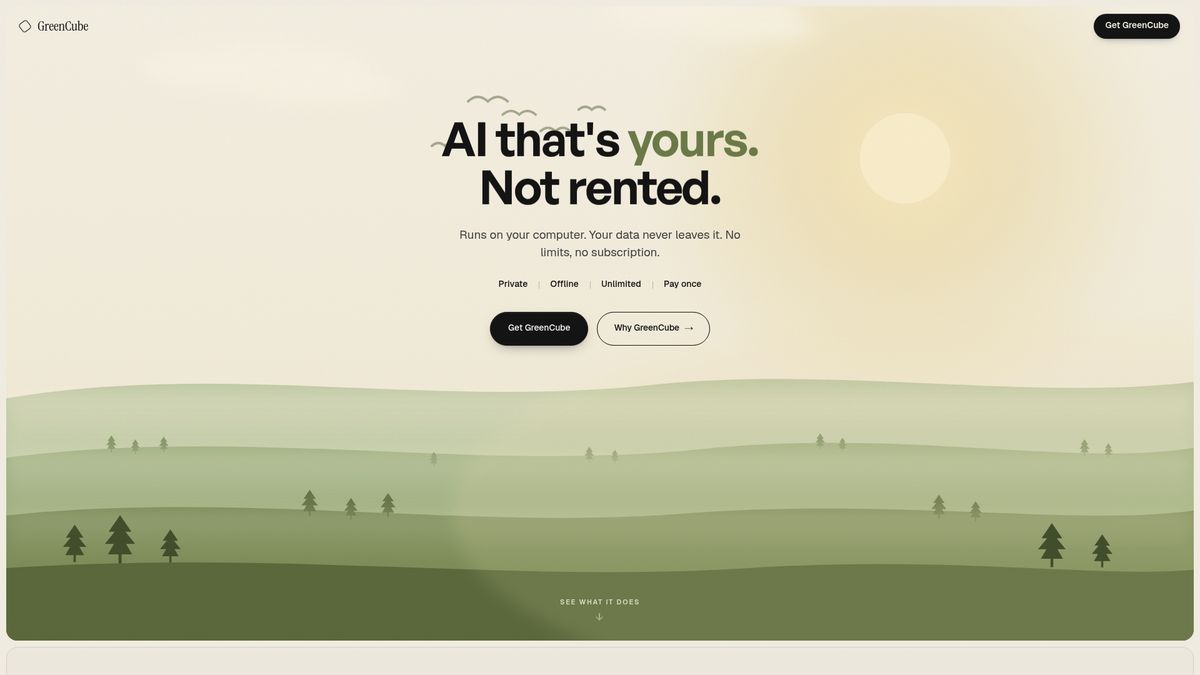
A one-time €9.99 purchase unlocks a private AI that runs entirely on your laptop. GreenCube works offline and reads PDFs and images without sending data to the cloud. The app requires no subscriptions and no model setup after installation. The vendor advertises reduced environmental impact by avoiding data-centre electricity and water use.
Core Features
GreenCube installs on a compatible computer and executes all processing locally with no cloud dependency. It supports chat, document summarization, and image understanding, and it can read PDFs and images for analysis. The product requires no model setup from you and promises lifetime access after a single purchase. All operations run offline, so your files never leave the device.
Key Differentiator
All processing stays on your machine so documents and images never leave your device. That local execution plus a single purchase for lifetime use removes ongoing subscription costs and third-party access to your content. The model fits users who prioritize absolute data control and who prefer to avoid cloud accounts. This architecture shifts responsibility for performance to your hardware rather than remote servers.
Pros
Data never leaves your device, which protects sensitive files and prevents third-party review or human training on your conversations. After the one-time payment there are no subscription charges, so your operating costs stop at the initial purchase. The app runs without internet, making it practical in remote locations and for secure environments. Running locally also reduces reliance on external data-centers, which the vendor links to electricity and water use.
Cons
- Limited to the capabilities of a local machine's hardware, so very large models and heavy workloads may run slower than cloud alternatives.
Who It's For
Students and independent learners who need offline help with PDFs, research notes, and study materials without uploading documents. Freelance creatives, writers, and designers who want private brainstorming and image analysis will get practical value. Privacy-conscious professionals and small educators who reject recurring bills or cloud storage will find the one-time purchase model attractive.
Unique Value Proposition
A single €9.99 payment eliminates recurring subscription fees and simplifies budgeting for individual users. You avoid cloud onboarding, monthly bills, and external data processors, so your workflow stays completely local. That cost structure makes sense for people who plan to use offline AI regularly and who prefer a predictable, one-off expense. The trade-off is performance tied to your laptop rather than scalable cloud compute.
Real World Use Case
A freelance researcher installs GreenCube on a personal laptop to analyze confidential PDFs and images offline. All parsing, summarization, and search run on the device so files never leave the researcher’s control. The setup removes subscription overhead and allows secure work while traveling or on restricted networks.
Pricing
GreenCube sells for a €9.99 one-time payment. There are no subscription tiers or recurring charges listed. Trial availability or refund policy is not publicly listed.
Website: https://greencube.app
Atomic Chat
At a Glance
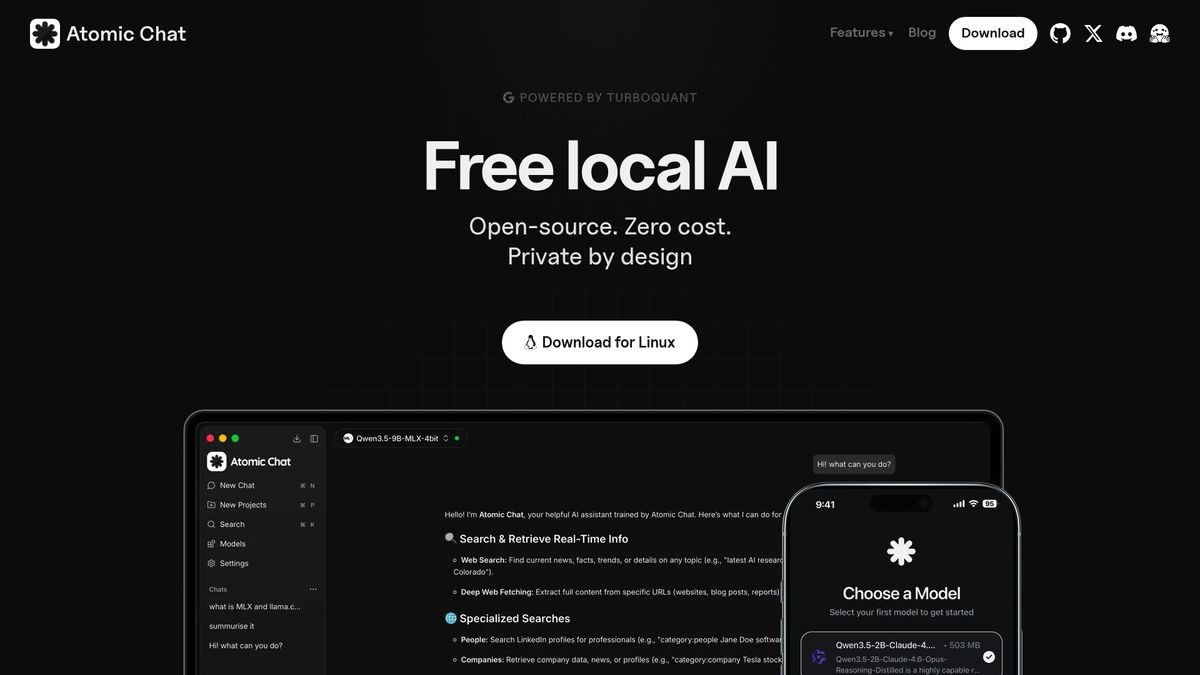
Atomic Chat reports support for over 1000 models, including Llama, Qwen, Gemma, and DeepSeek. It runs those models entirely on your device and uses TurboQuant compression to speed inference and reduce memory use. Users praise the privacy and flexibility, while some note stability and support gaps.
Core Features
Atomic Chat runs local models without an internet connection and organizes chats and projects with one-click setup and easy model switching. It exposes a local API compatible with OpenAI tooling for developer automation and supports TurboQuant for faster inference and lower memory footprint. The app is open source and available on desktop and mobile platforms.
Key Differentiator
The single defining trait is the combination of broad model choice with local-only execution. That model count and local execution let you run many open models without sending data to the cloud. The product targets tech-savvy users and small dev teams, making it narrower in scope than GreenCube, which focuses on nontechnical, dead-simple local AI.
Pros
Atomic Chat excels where you need model variety and offline control. The app supports a large set of open models and gives you the freedom to test different architectures locally. TurboQuant helps to fit larger models on typical laptops by lowering memory requirements. The local API simplifies automation and integration for developers who build agents or embed models in scripts. Cross-platform availability and open-source licensing keep costs low and let you audit the code.
Cons
- Occasional software bugs and reported stability problems affect continuous workflows.
- Customer support has been described as unresponsive, which slows troubleshooting for teams.
- Some users find the interface outdated and less polished than commercial desktop apps.
- Reported service interruptions can disrupt automation that depends on always-on local services.
When It May Not Fit
This tool does not fit users who need turnkey, nontechnical setups with guided model selection. If you lack sufficient local hardware, you will struggle to run larger models despite the compression tech. Teams that rely on fast, responsive vendor support will find the community support model limiting. If you require a curated, minimal interface aimed at nontechnical users, pick a different solution.
Who It's For
Atomic Chat suits tech-savvy individuals, data scientists, and small development teams who want full control over models and data. It fits people who will manage models, tune settings, and integrate the local API into automation. It also fits researchers and developers experimenting with many open models on premises.
Real World Use Case
A freelance data scientist keeps client datasets private by running analysis entirely on a local machine. They swap between Llama and Qwen variants for model comparisons, use the local API to automate batch jobs, and rely on TurboQuant to run larger models on a laptop. That workflow removes cloud API costs and keeps sensitive files off external servers.
Website: https://atomic.chat
Sanctum
At a Glance
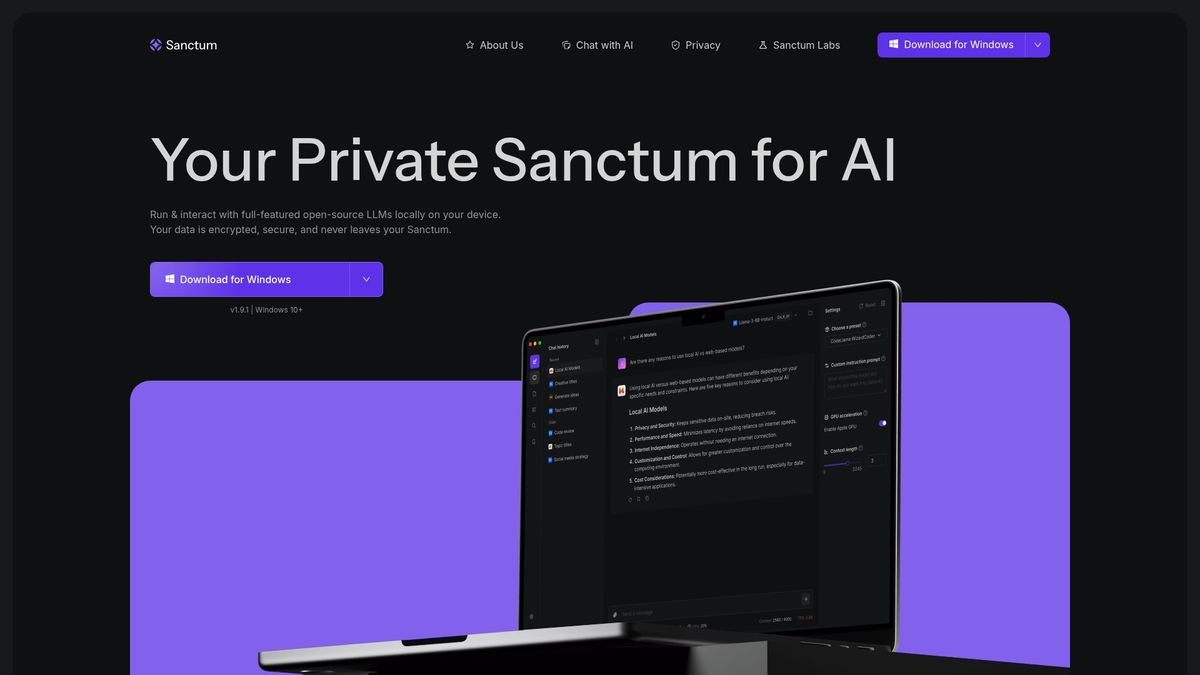
Sanctum runs full featured open source language models locally while keeping all document data on your device. It uses on device encryption and supports MacOS and Windows. Setup completes without an internet connection after installation.
Core Features
Sanctum runs local large language models and includes an AI matching engine that can call Hugging Face models. It stores and indexes documents for private chat with PDFs and other files while applying on device encryption to stored data. Installation aims to be simple so nontechnical users can get started without complex configuration.
Key Differentiator
Sanctum focuses on running full featured open source models entirely on a personal machine while preserving document privacy. That design shifts processing from cloud servers to your laptop, so confidential documents never leave your device. The result targets users who must keep legal, financial, or research files offline.
Pros
Sanctum keeps data local and encrypted, which reduces exposure from cloud storage and third party APIs. The Hugging Face integration expands model choice so you can pick models that match accuracy or latency needs. The private document chat feature handles PDFs and other file types, making summarization, review, and creative drafting possible without uploading files.
Cons
- Requires technical familiarity for advanced customization or swapping models. Casual users may need help to tune model parameters or add new model weights.
- Linux support is not yet available. That limits deployment for teams or researchers using Linux workstations.
- The product can feel niche for casual users who prefer browser based assistants and managed cloud services.
When It May Not Fit
If you need immediate Linux support for production workloads, Sanctum is not ready for that environment. If you want a fully managed cloud assistant with automatic model updates, this local approach adds device maintenance. If you prefer a point and click, nontechnical interface for every advanced option, this product may require outside help.
Notable Integrations
Sanctum connects to Hugging Face models so you can select from community and open source models. That integration lets you test different model families without moving data to a remote API.
Who It's For
Sanctum fits privacy conscious developers, researchers, and professionals who must process sensitive documents locally. It also suits tech savvy freelancers and small firms that want offline AI for document summarization, review, and content generation. It is less suited to users who need fully managed cloud services.
Real World Use Case
A legal professional loads client contracts into Sanctum, runs private chats to extract clauses, and produces concise summaries for case files. All processing and stored indexes remain on the lawyer’s laptop, keeping client data off public servers.
Website: https://sanctum.ai
Comparison of alternatives
<scratchpad>Competitor eligibility:
- Excluded products (discontinued / inaccessible / under construction): none
- Usable competitors remaining: GreenCube, Atomic Chat, Sanctum
Intro pre-write:
- Does greencube.app clearly outpace every usable competitor on a single dimension? YES
- If YES: dimension where greencube.app wins — Privacy and simplicity through its completely offline implementation and straightforward setup.
- First sentence draft: GreenCube excels in delivering private, offline AI functionality through its simple setup and one-time pricing model.
Competitor win pre-write:
- Which competitor wins which dimension: Atomic Chat wins in terms of model variety because it supports over 1000 models and integrates customized tuning.
- Does this dimension matter to the primary reader? YES
Best Fit uniqueness check:
- List each bullet scenario in one clause: Secure offline document summarization and chat / tailored analysis using diverse model architectures / encrypted large document handling
- Can any two be swapped without changing meaning? NO
Our Pick pre-write:
- The ONE capability unique to greencube.app in this set: Simple purchase mechanism paired with AI running wholly offline.
- Evidence from the reviews: "A single €9.99 payment eliminates recurring subscription fees and simplifies budgeting for individual users."
- Closing sentence draft: GreenCube is the choice for those seeking an offline AI solution with a straightforward purchase and deployment process.
- Substitution test: "Atomic Chat is the choice for those seeking an offline AI solution with a straightforward purchase and deployment process."
- Does the substituted version still work as a recommendation? NO
- If YES: rewritten closing sentence: [write it here]
Full comparative analysis
Comparison of alternatives
GreenCube excels in delivering private, offline AI functionality through its simple setup and one-time pricing model. When considering offline AI solutions, each alternative offers distinct strengths and tradeoffs.
Privacy vs Model Diversity
GreenCube prioritizes complete privacy by conducting all processing on your device while minimizing environmental impact. In contrast, Atomic Chat approaches flexibility with its extensive support for over 1000 models, allowing advanced configuration and testing setups. Sanctum provides local encryption paired with integration options like Hugging Face models, preserving privacy while broadening application scope.
Accessibility and Deployment
GreenCube’s single-purchase system simplifies acquisition without subscriptions, making it approachable for nontechnical users. Atomic Chat’s open-source availability appeals to developers with technical expertise while requiring advanced hardware for maximized functionality. Sanctum balances ease of setup for nontechnical audiences with advanced options that may need expertise to optimize.
Best fit
- Securing sensitive documents while processing AI tasks in environments without internet access.
- Exploring AI functionalities across a variety of models and optimizing workflows using Atomic Chat.
- Handling encrypted document processing locally with some flexibility in model selection through Sanctum’s features.
Our pick
GreenCube offers the most straightforward offline AI functionality for privacy-focused users who value simplicity and predictable expenses. It is ideal for nontechnical users and freelancers prioritizing security and transparency. However, users with a clear need for broad model diversity or encryption on larger document stores might find Atomic Chat or Sanctum more aligned with their requirements.
GreenCube uniquely offers offline AI processing for guaranteed privacy. Compare it to other local AI apps below.
| Product Name | Primary Use | Key Differentiator | Pricing | Limitation |
|---|---|---|---|---|
| GreenCube | Offline AI for PDFs and images | Local processing without cloud dependency | €9.99 one-time payment | Limited to local machine’s hardware capacity |
| Atomic Chat | Versatile AI with model variety | Supports over 1000 models locally | Price not published | Stability issues and unresponsive support |
| Sanctum | Local AI for sensitive documents | Integrates Hugging Face models | Price not published | Requires technical familiarity for setup |
Which Offline AI Solution Truly Fits Your Privacy and Simplicity Needs?
If you want local AI without subscriptions or data leaks, GreenCube offers a one-time payment solution that runs fully offline on your laptop. It reads PDFs and images privately with zero cloud access, making it ideal for students, freelance creatives, and privacy-conscious professionals. Managing AI without model setups or monthly fees means you focus on your work, not technical hurdles or surprise costs.
Explore how GreenCube keeps your sensitive documents safe and your budget predictable. Visit GreenCube today to try a simple, private AI assistant designed exactly for your needs. Pay once and get lifetime offline access without compromise.
FAQ
How does GreenCube protect my data privacy?
GreenCube keeps all data processing on your device, ensuring that your documents never leave it. This local execution protects sensitive files from third-party access and human review. Users can work securely, knowing that their information remains confidential.
What is the difference between Atomic Chat and GreenCube?
Atomic Chat excels with its support for over 1000 models and offers extensive customization for tech-savvy users. GreenCube, on the other hand, focuses on delivering a user-friendly experience without requiring complex setups. Users who want simplicity and lifetime access without ongoing costs may prefer GreenCube.
Can I run large models with GreenCube?
GreenCube's performance depends on your local machine's hardware, which may limit the processing speed for very large models. It promises offline capability with no subscriptions, so users can operate smoothly if they have adequate hardware for their tasks.
Which local AI desktop app is best for students?
GreenCube is ideal for students as it processes PDFs and research notes offline, facilitating study materials without needing internet access. Its one-time payment model makes it accessible and budget-friendly for individual learners.
How does GreenCube compare in terms of pricing?
GreenCube requires a one-time payment of €9.99, which eliminates recurring subscription fees. This pricing structure is attractive for users who want to predict their costs without ongoing financial commitments, unlike some competitors that rely on monthly fees.
Recommended
- GreenCube — AI that's yours, not rented
- Get GreenCube — €9.99, yours forever
- How much water does AI use? (2026) — the real numbers
- Does ChatGPT train on your data? (2026) — the honest answer
Your own AI, on your own PC
GreenCube runs on your computer: no usage limits, no subscription, works without internet. €9.99, paid once.
Get GreenCube